Dynamed - iOS
Summary
EBSCO was launching DynaMed, a newly designed web application and needed their native mobile application products to reflect the redesign. I was tasked with the redesign of their iOS & experiences while collaborating with an offshore team to align with the Android experiences to ensure each platform contained parity with DynaMed's web product in just 6-weeks time.
Problem
Medical professionals often don’t have time to learn about clinical information while on the hospital floor, and often look for a dependable source that provides them with immediate evidence-based clinical information during patient point-of-care. Nearly 90% of medical professionals carry a mobile smart device while working, and often leverage search engines like Google to quickly gain access to questions they need to gain confidence in practice.
Design Question
How might we help medical professionals immediately access evidence-based clinical information during patient point-of-care so they can help the patients they are assigned to?
Goals
- Redesign the current mobile application for both iOS and Android keeping a native look and feel
- Conduct competitive product analysis on similar web applications and mobile apps
- Organize all topics so that they can be quickly searched and accessed
- Redesign topic pages so that they are easy to navigate, contain a table of contents, and are sharable
- Help users easily navigate between topic content, images and updates
- Topic image gallery with image pagination counter
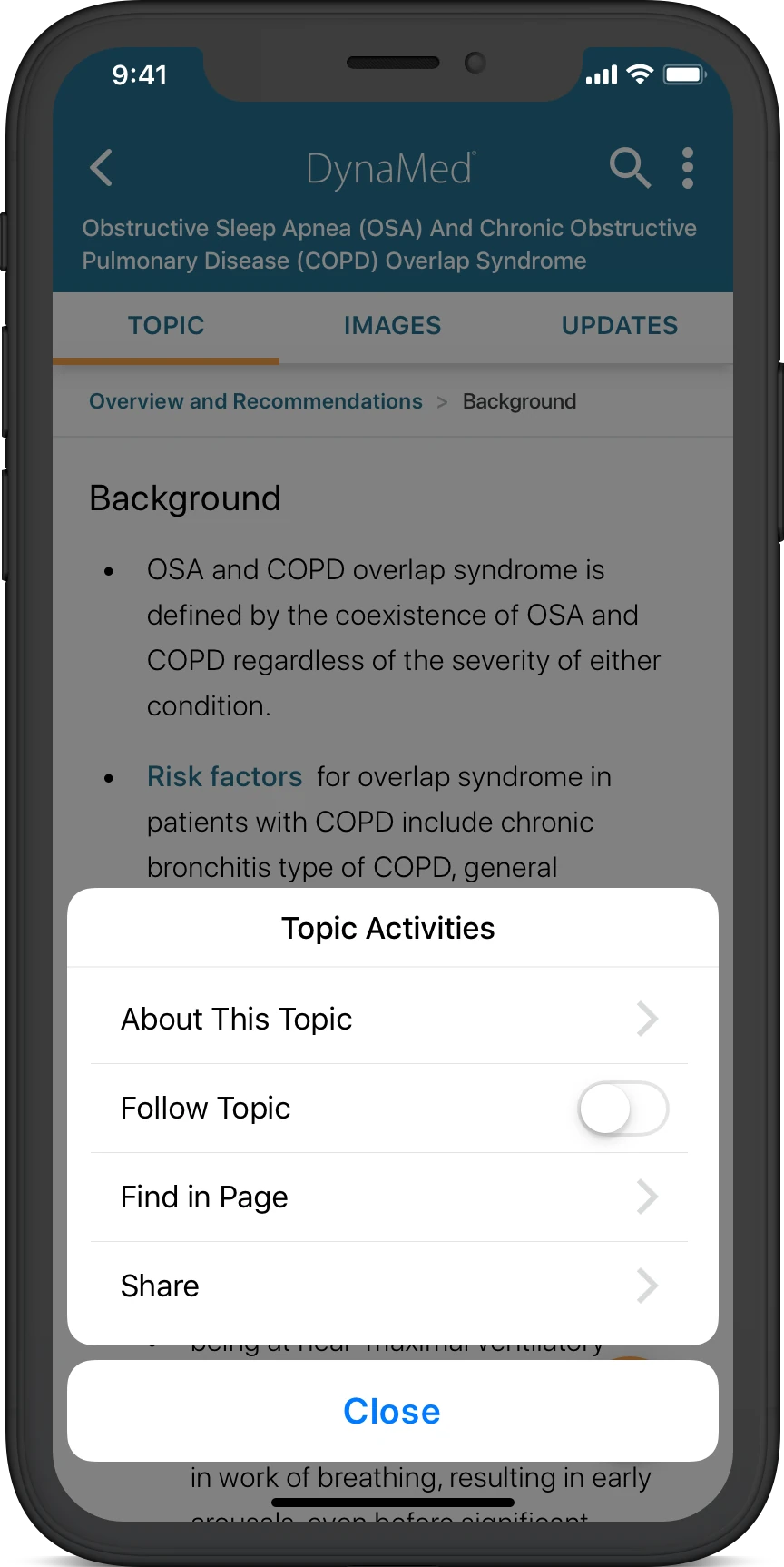
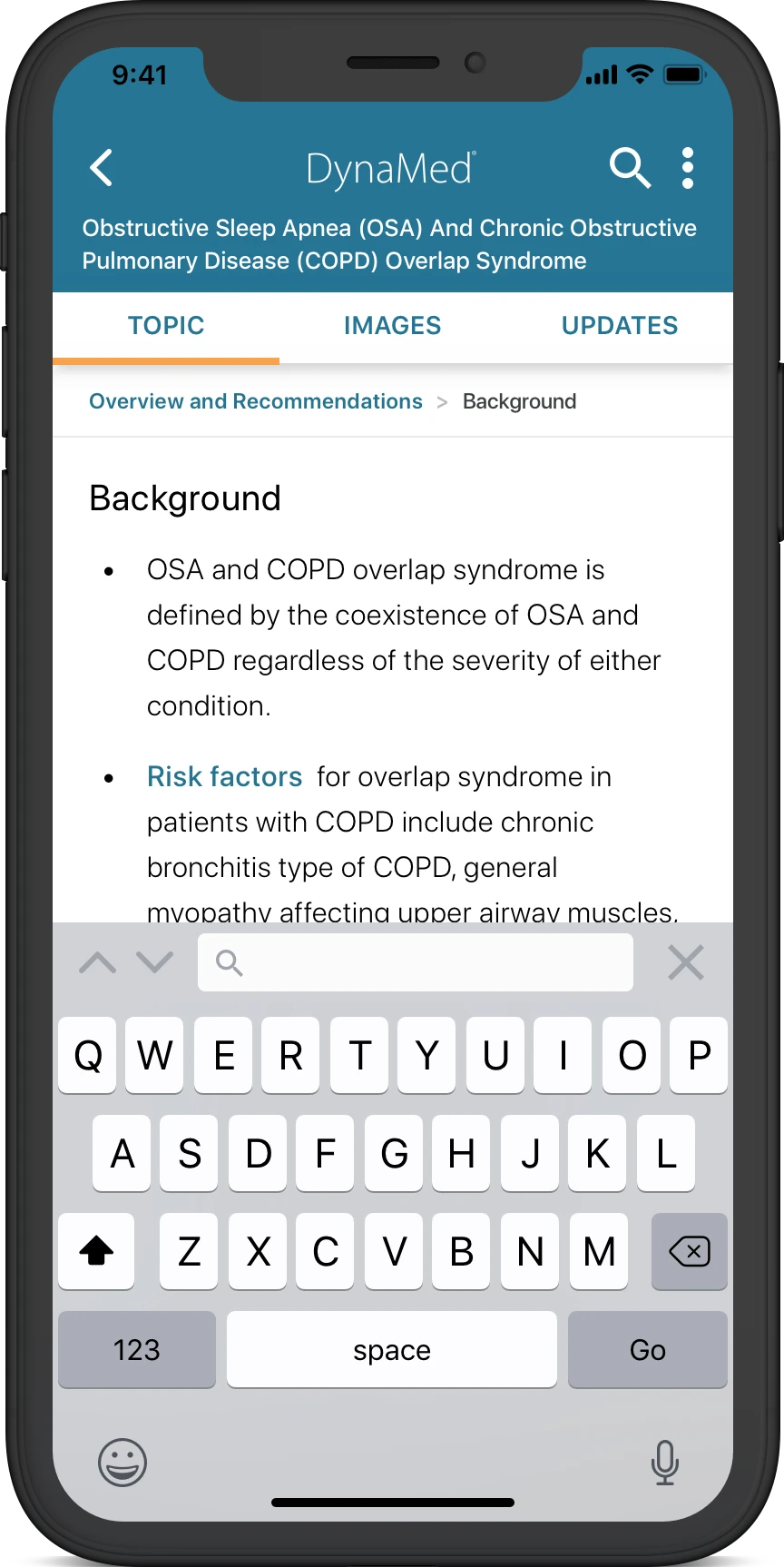
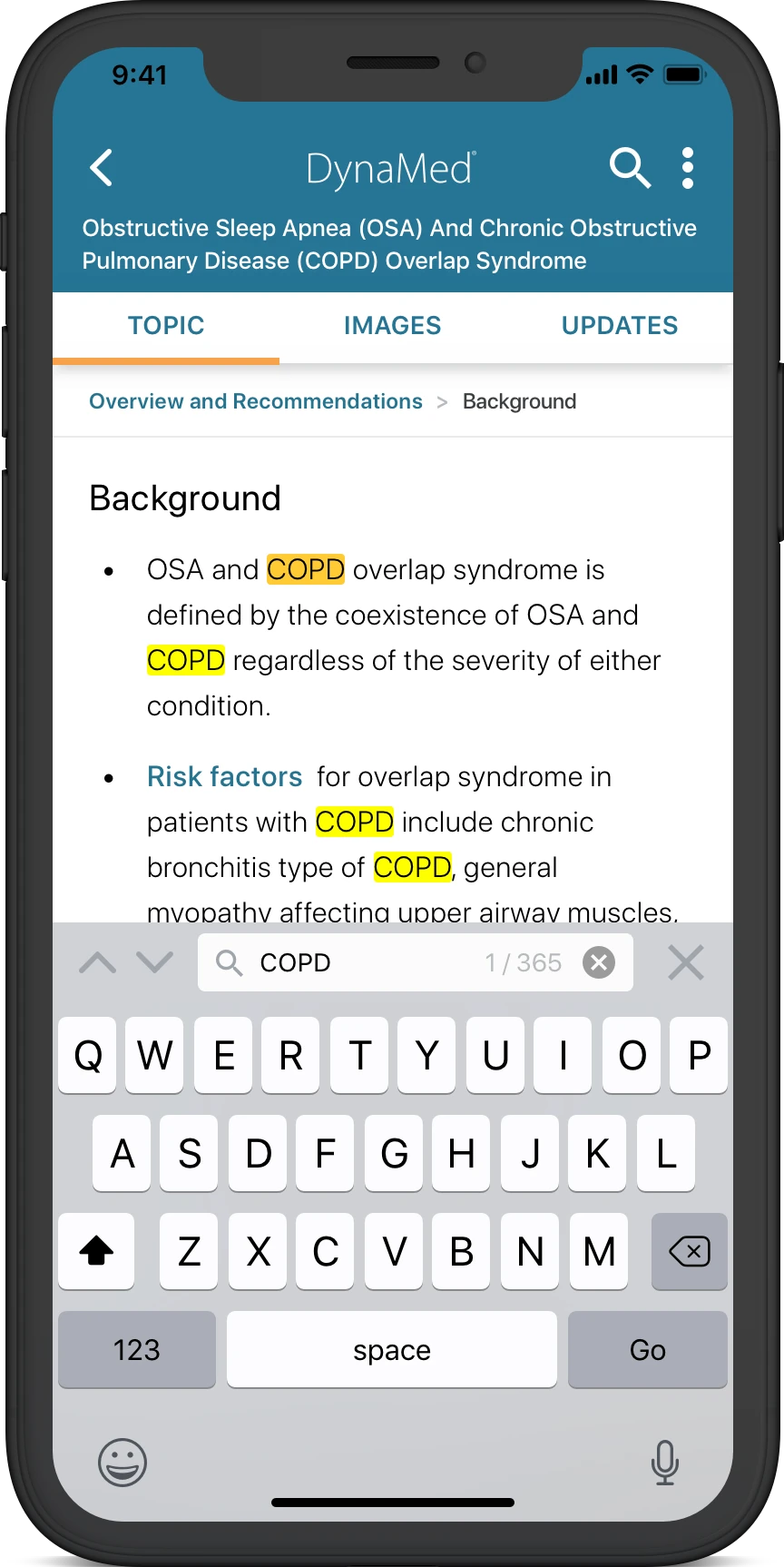
- Uncover value opportunities such as the “find in page” feature that allow users to search keywords within a topic
Design Solutions
The design solution involved using Figma while focusing on the following: dashboard, specialties, topic pages, and topic activities. Each of these had their own subsections to build out based on the context of use and overall use cases. requirements; imagery search, imagery tools, and imagery navigation. These three main requirements were considered core interactions that support each user type and were determined that these feature sets would be created first.
Launch, Dashboard & Settings
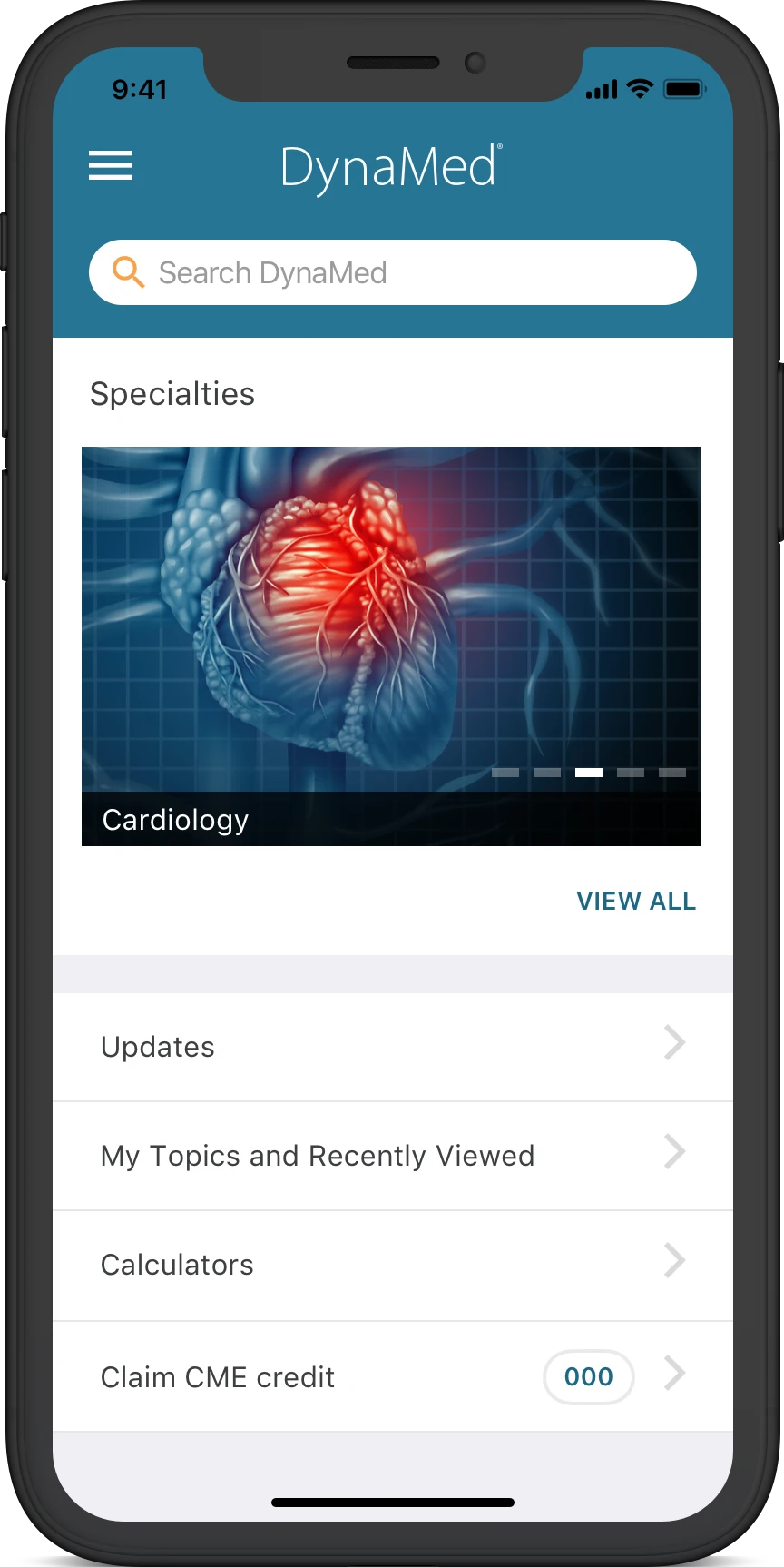
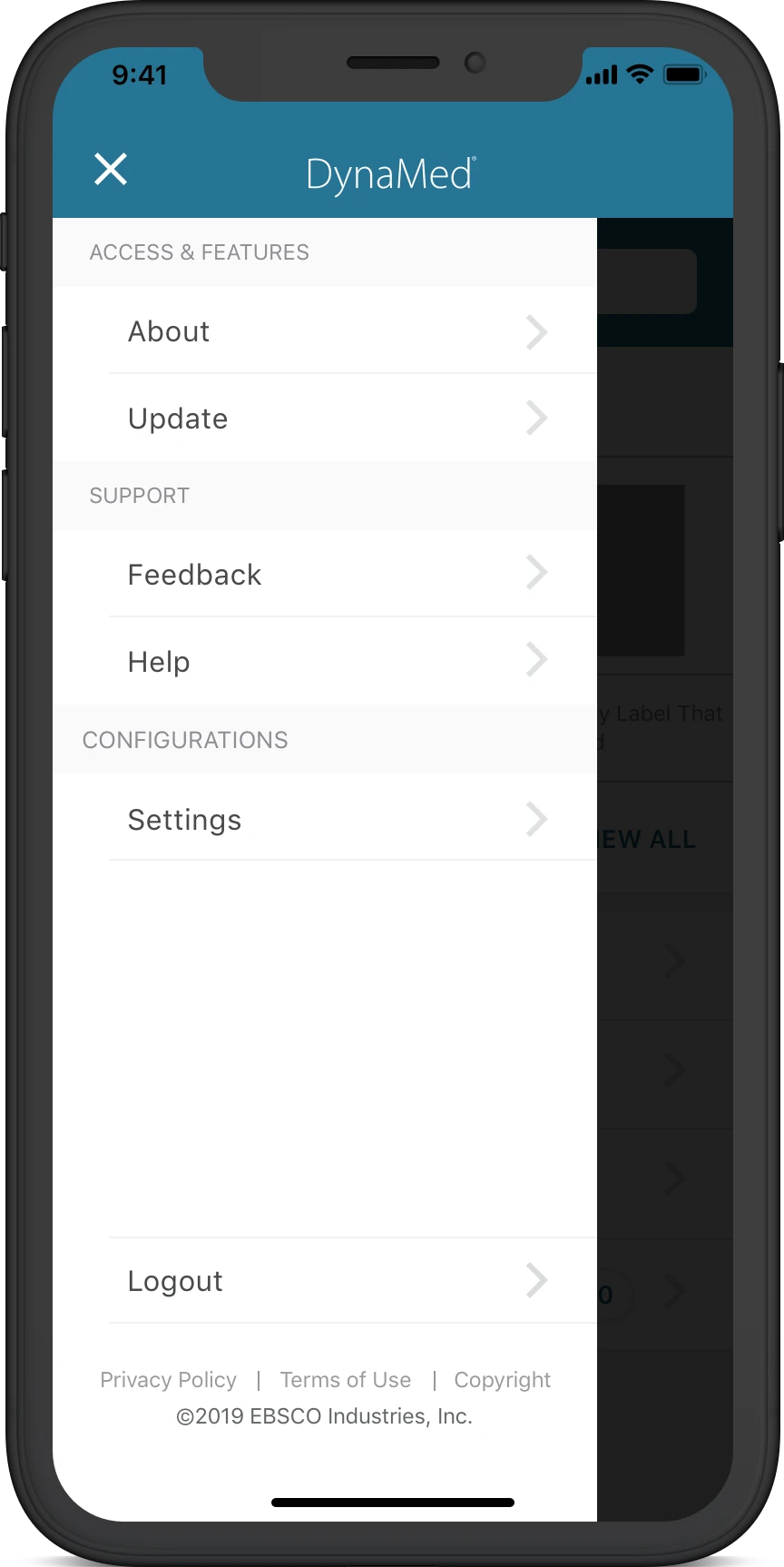
With the dashboard, allowing users to easily begin their journey into using the application was important. Sections like the menu, updates, topics recently viewd, CME credits, and search bar were all main components in connection with product requirements. Some of the use case included allowing users to access feature updates, support from DynaMed, and adjust application settings.
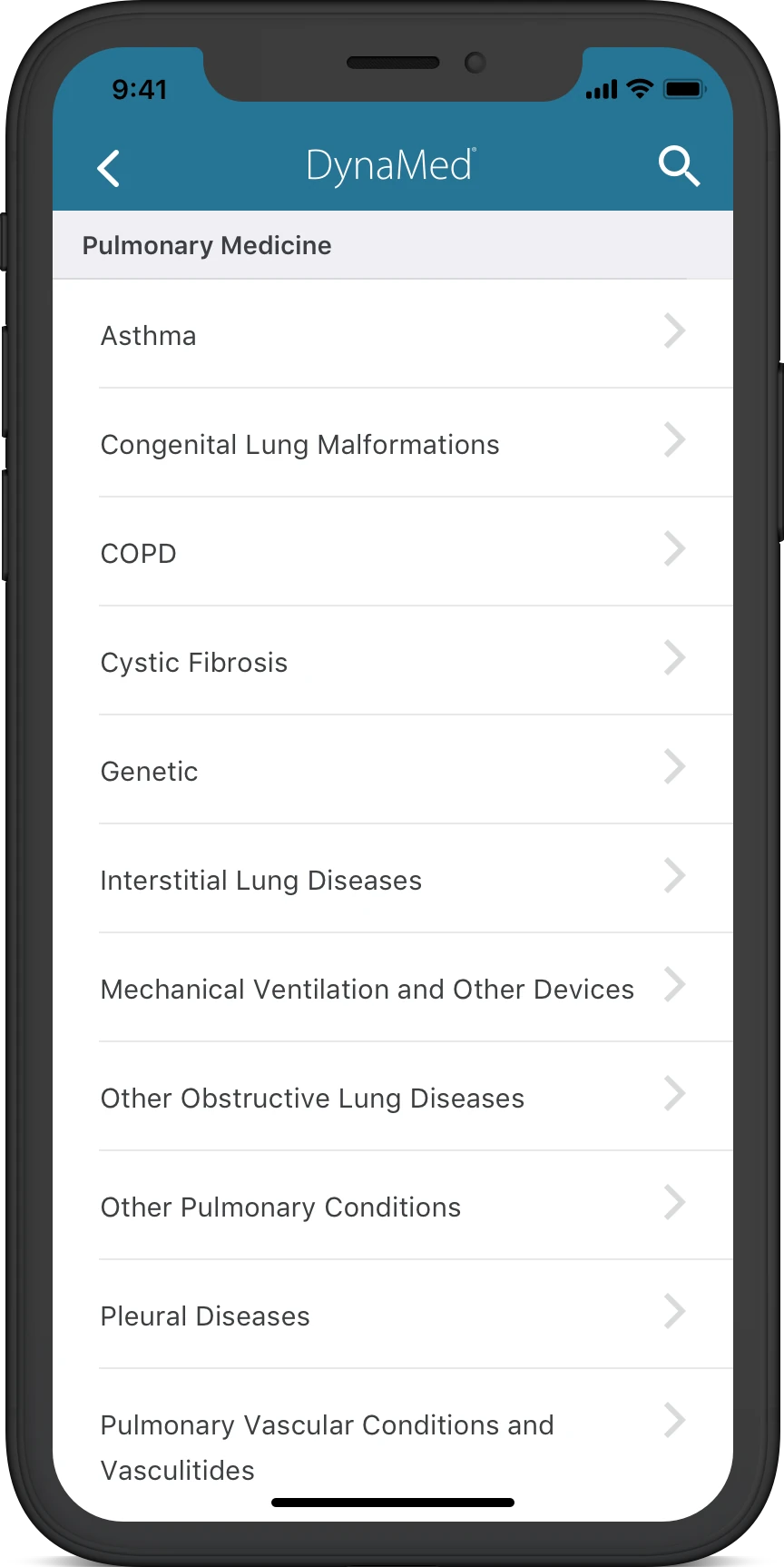
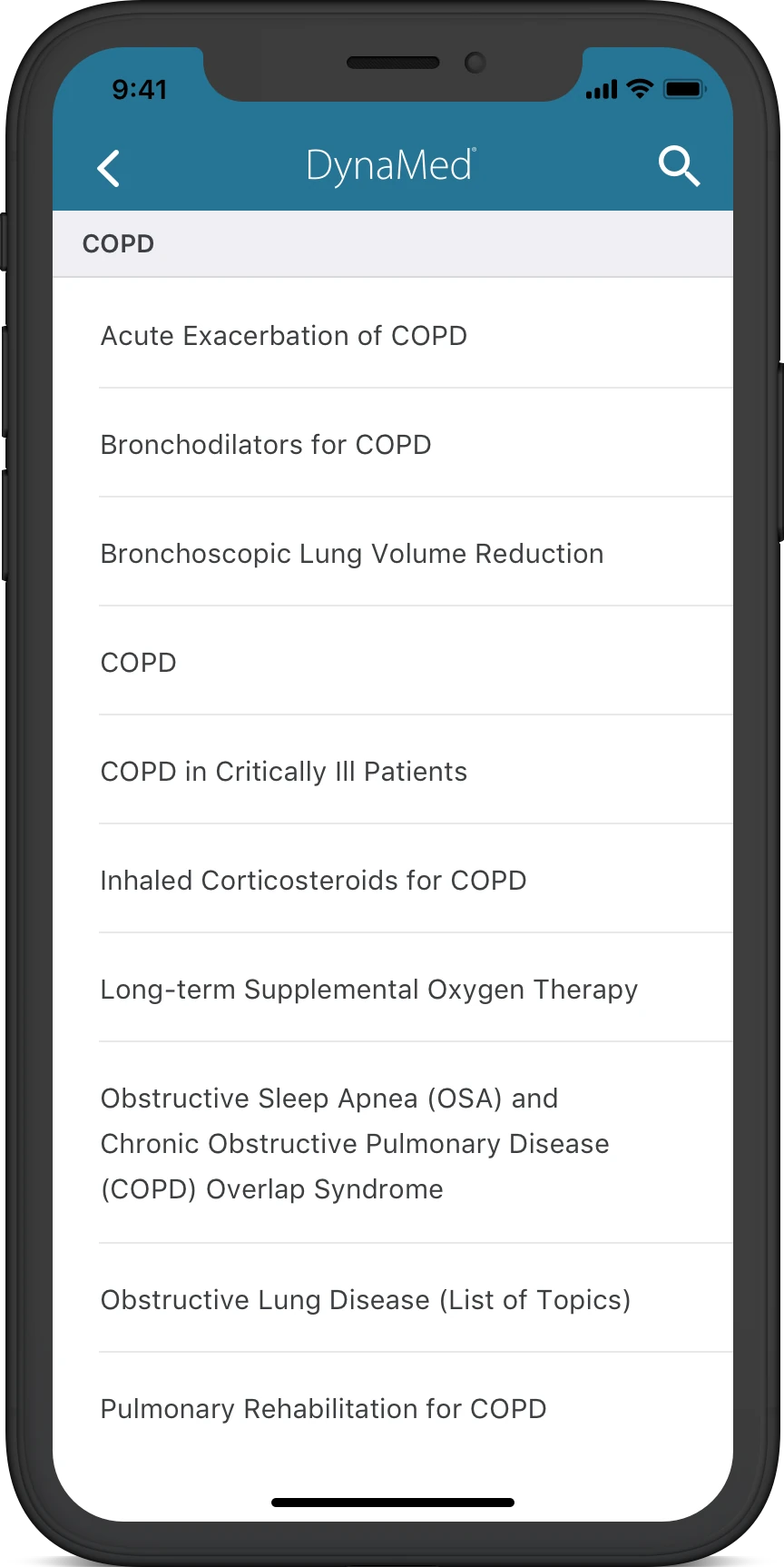
Specialties - View All
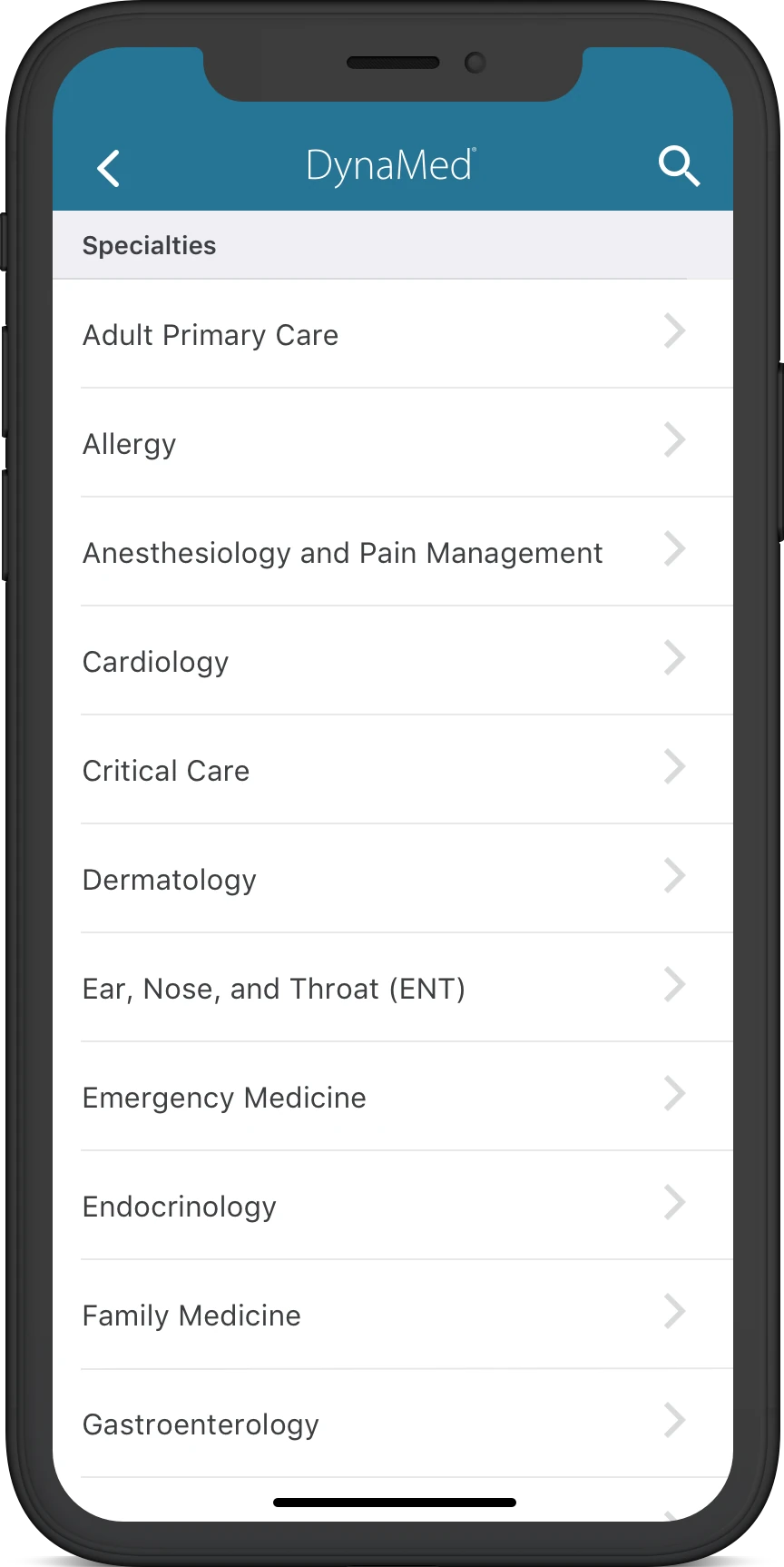
View all was confusing for users as nothing was sorted in any means of a structure. Previously, specialties were listed based on popularity or most relevant, but this was being based on an overall system rating versus user specific. Standardizing specialties into an alphabetic order made the most sense as all users were more familiar with this type of hierarchy. While viewing all specialties, the application affords the ability to search within that specific view, or globally.
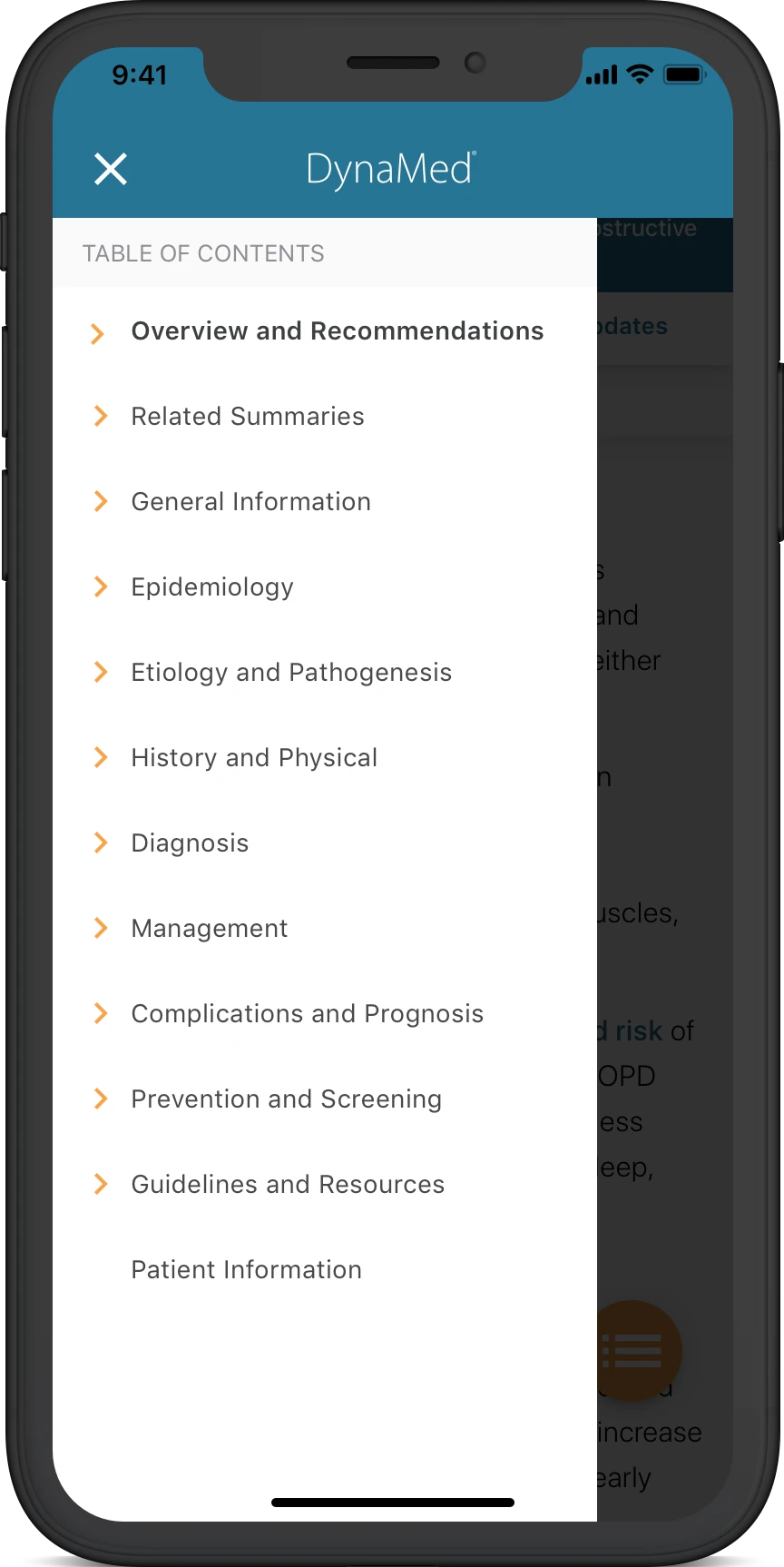
Topic & Table of Contents
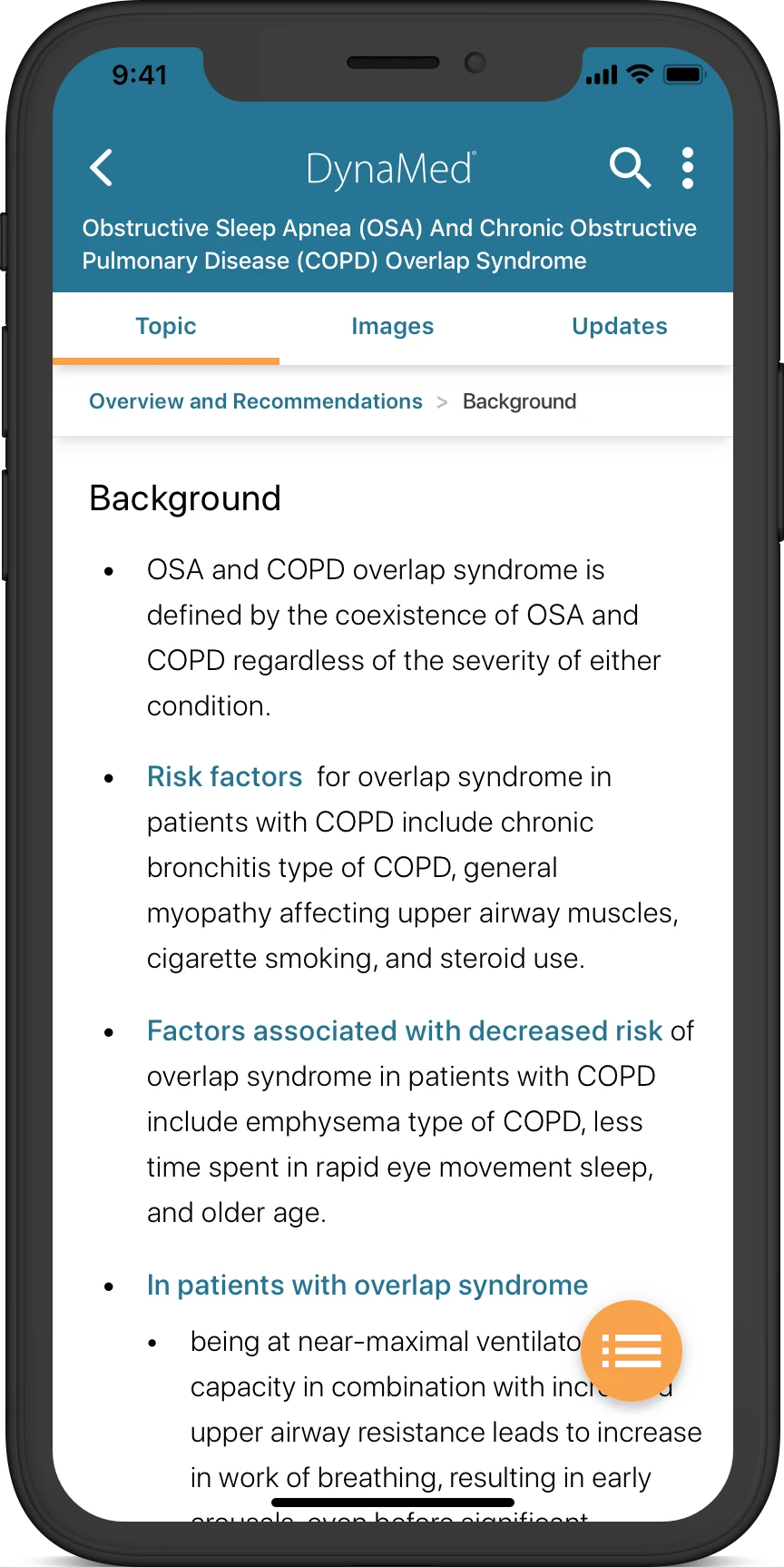
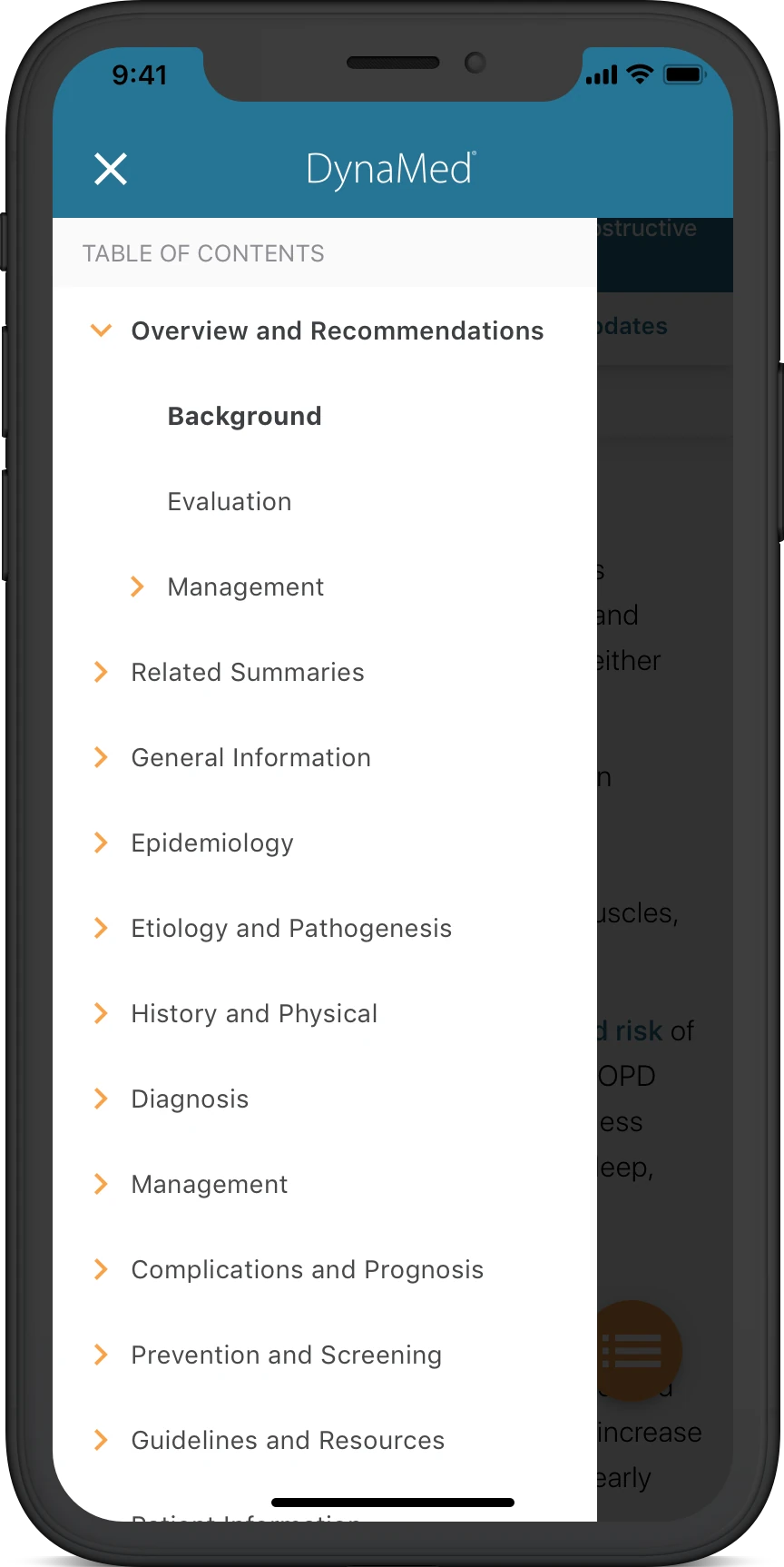
Previous versions of the application failed to provide a standardized table of contents for topic articles. This meant that when looking at a topic, medical professionals did not know how many sections existed within the topic itself. Through research, it is understood that a table of contents acts as a clear roadmap for a document, helping readers quickly find specific sections and understand the overall structure. Some key benefits include:
- Quick Navigation: Readers can jump straight to the information they need without scrolling or flipping pages.
- Document Overview: It provides a high-level summary of the topics and scope at a glance.
- Professional Structure: A well-organized list shows attention to detail and makes long reports, books, or manuals easier to use.
- SEO and Digital Usability: Linking entries in digital documents or websites helps search engines crawl content and assists users on assistive technologies.
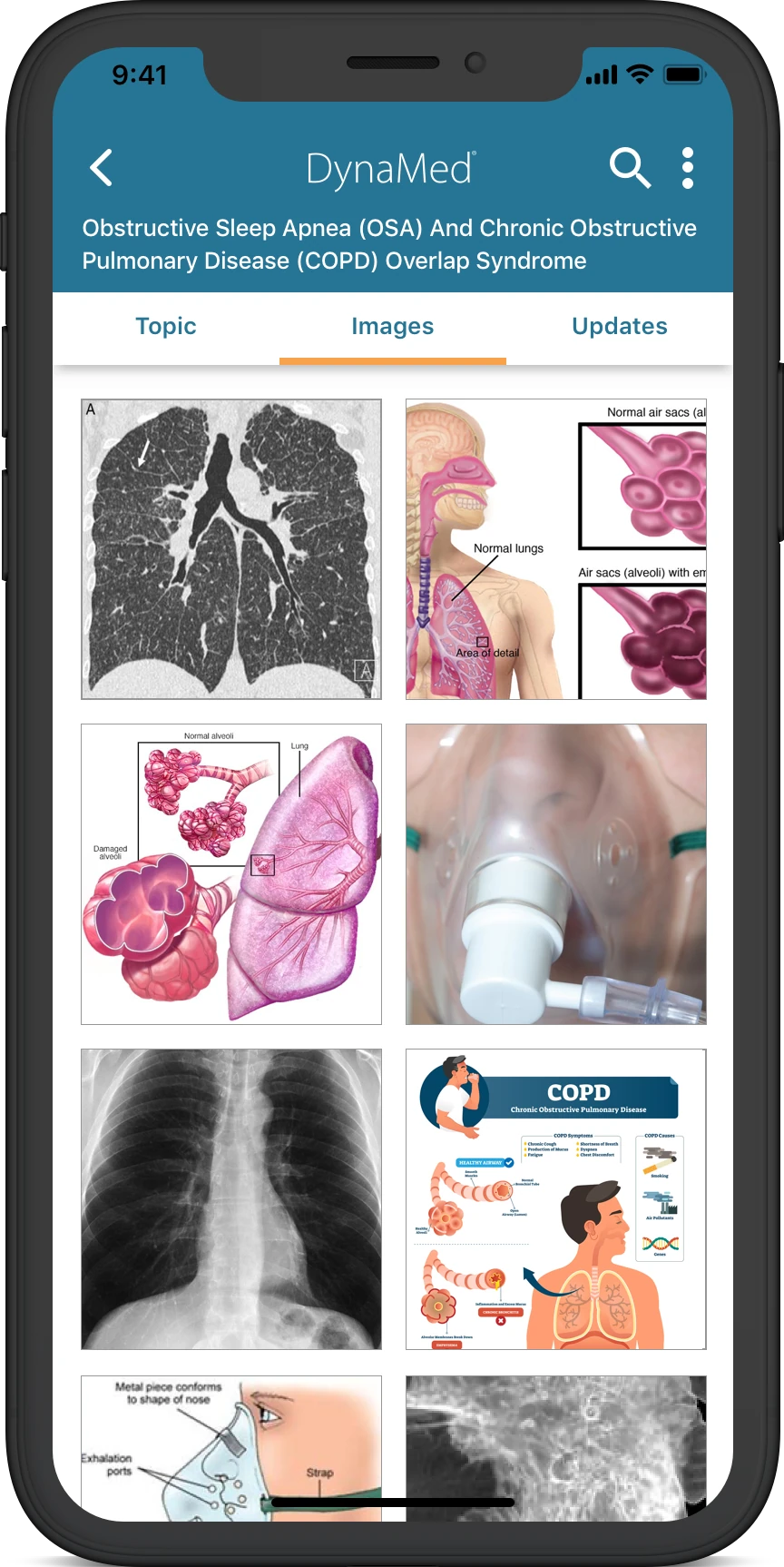
Topic Images Gallery
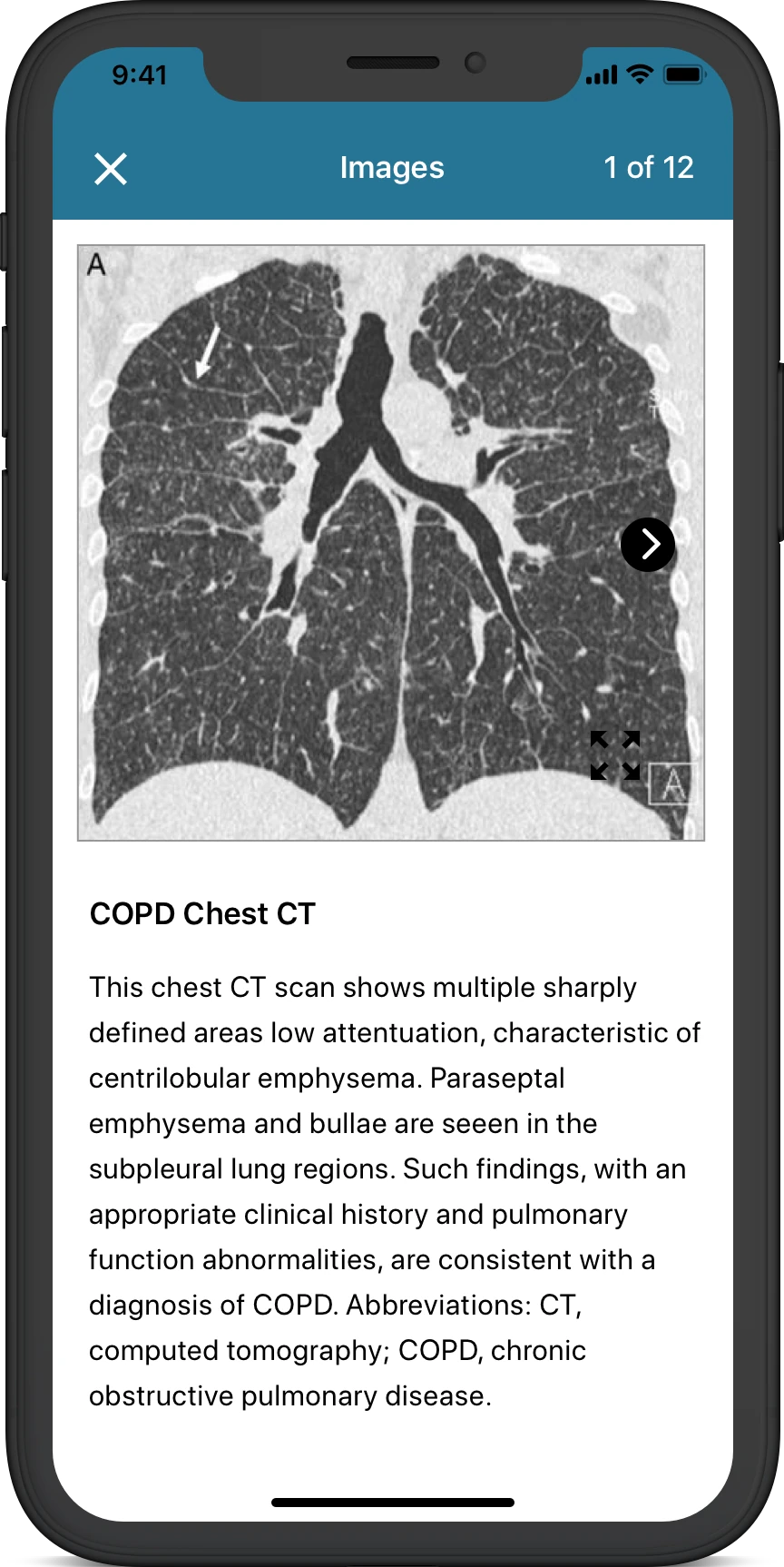
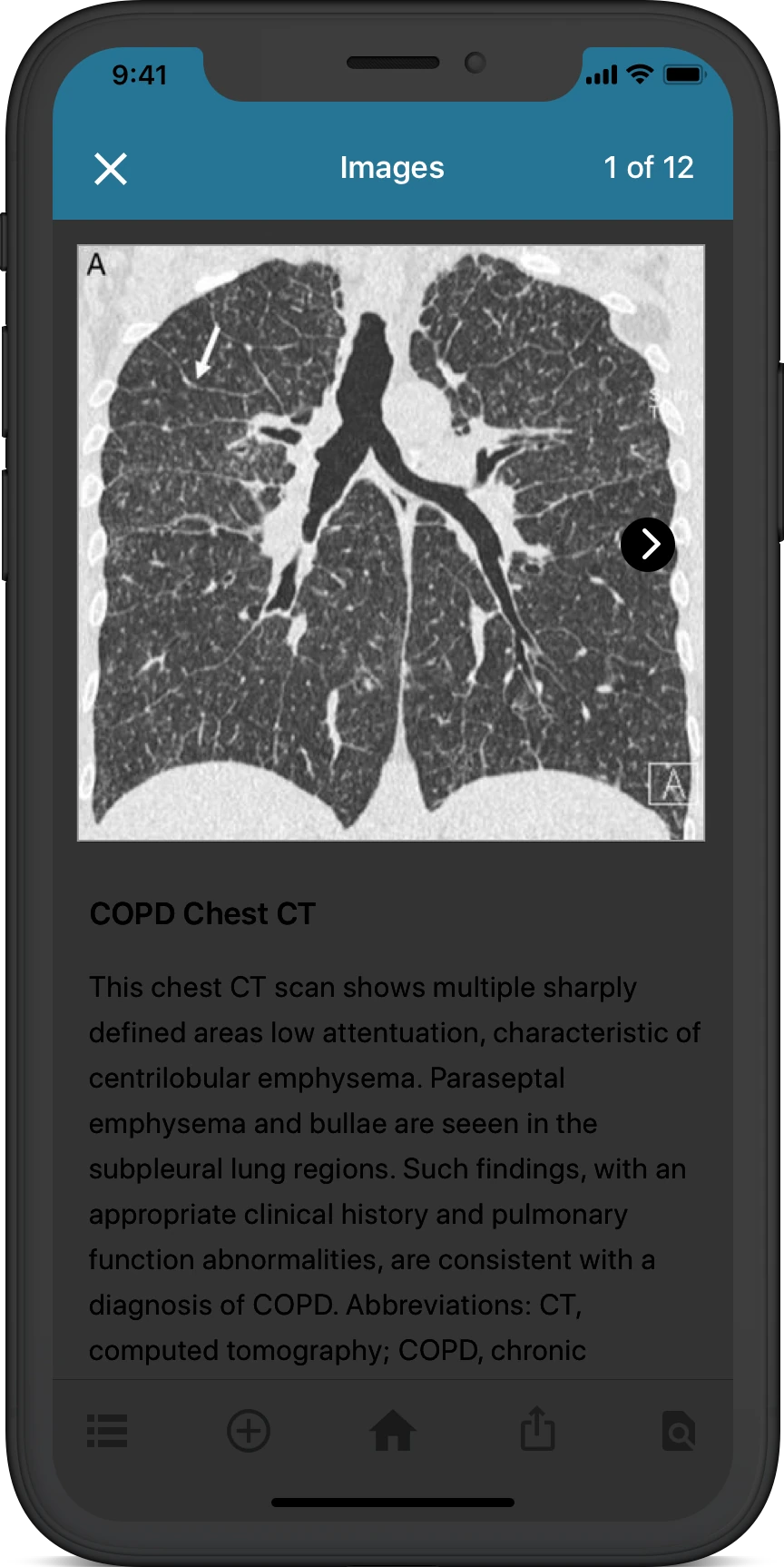
Previously, topic imagery did not have its own dedicated location for imagery. All images were placed in context of the topic article. During research, I discovered that some imagery contains helpful diagrams along with other types of images, that can help medical professionals cut down on time and get straight to the answer they are looking for. For example, if a medical professional wanted to understand how imagery of lungs should look like in different types of imaging (CT, MRI, Ultrasound, etc) they would be able to locate those images quickly within the topic article without having to read the entire article.
Topic Activities - Find in Page
Medical professionals often times are crunched for time and need to locate the information they are looking for. When conducting user research with previous prototype iterations, we found that people wanted a quick means to locate specific keywords within medical specialty topics. For example, if a medical professional had a patient with sleep apnea but was considering its relation to COPD, they would now be able to locate keywords like “COPD” within the article/journal to quickly find what they were looking for, instead of having to read the entire article.
Outcome
6-weeks later, I delivered a redesign for both iOS and Android applications to the assigned 3rd-party development team. Each screen was created in Sketch then brought over to InVision using the Craft plugin to create a clickable experience.
This redesign streamlined the user flow with updated information architecture to access medical topics with parity to the newly launched DynaMed web application. This design also included an uncovered value-opportunity for end-users such as the "find in page" feature, which helps medical professionals locate keywords of interest inside any given topic.