EagleView
Summary
EagleView is currently the country’s leader in aerial imagery, data analytics, and geographic information system solutions. With this reputation, the company wanted to strategize towards future products. The product strategy goal was to combine two legacy products into one platform so that their users would log into one location for access. Having this new platform also meant that they could provide users with add-on features while using the platform. My responsibility was to begin the redesign and combine two leading legacy products into one.
Problem
Insurance appraisers, claims adjustors, assessors, and local ordinances often use multiple CAMA (Computer Assisted Mass Appraisal) systems to gain access to accurate information so they can provide better estimations and assessments to properties and structures. All of these user types have similar tasks with different goals. Often these people use different products with similar tools.
Design Question
How might we help Insurance appraisers, claims adjustors, assessors, and local ordinances leverage one system so they can access all tools within one product removing the need to use multiple products to achieve their goals?
Goals
- Collect product requirements and organize them into priority features.
- Conduct a competitive analysis on mapping, CAMA and ESRI (Environmental Systems Research Institute) products.
- Collaborate with subject-matter-experts to explore possibilities during brainstorming sessions.
- Ideate design ideas through sketches and wireframes.
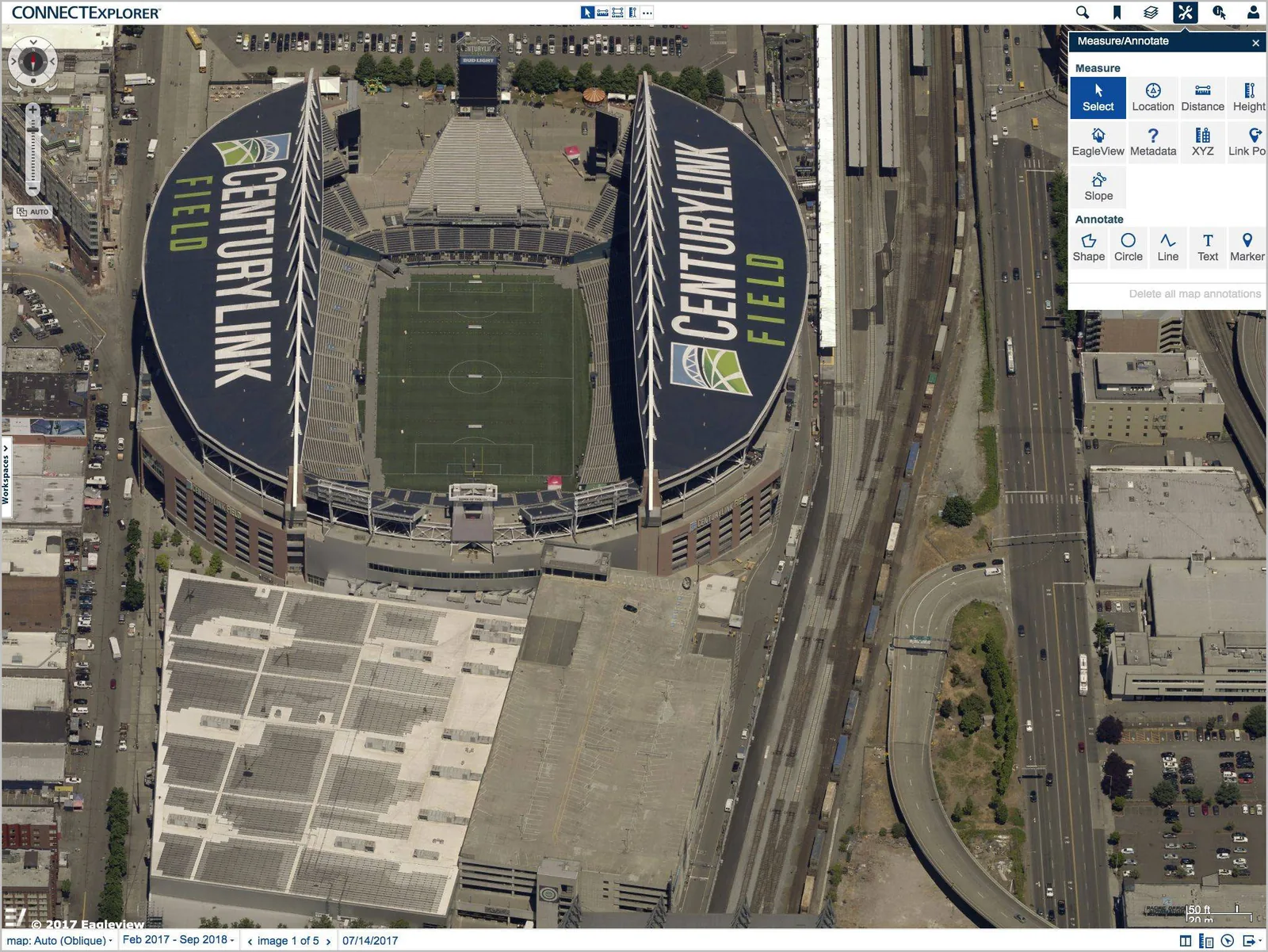
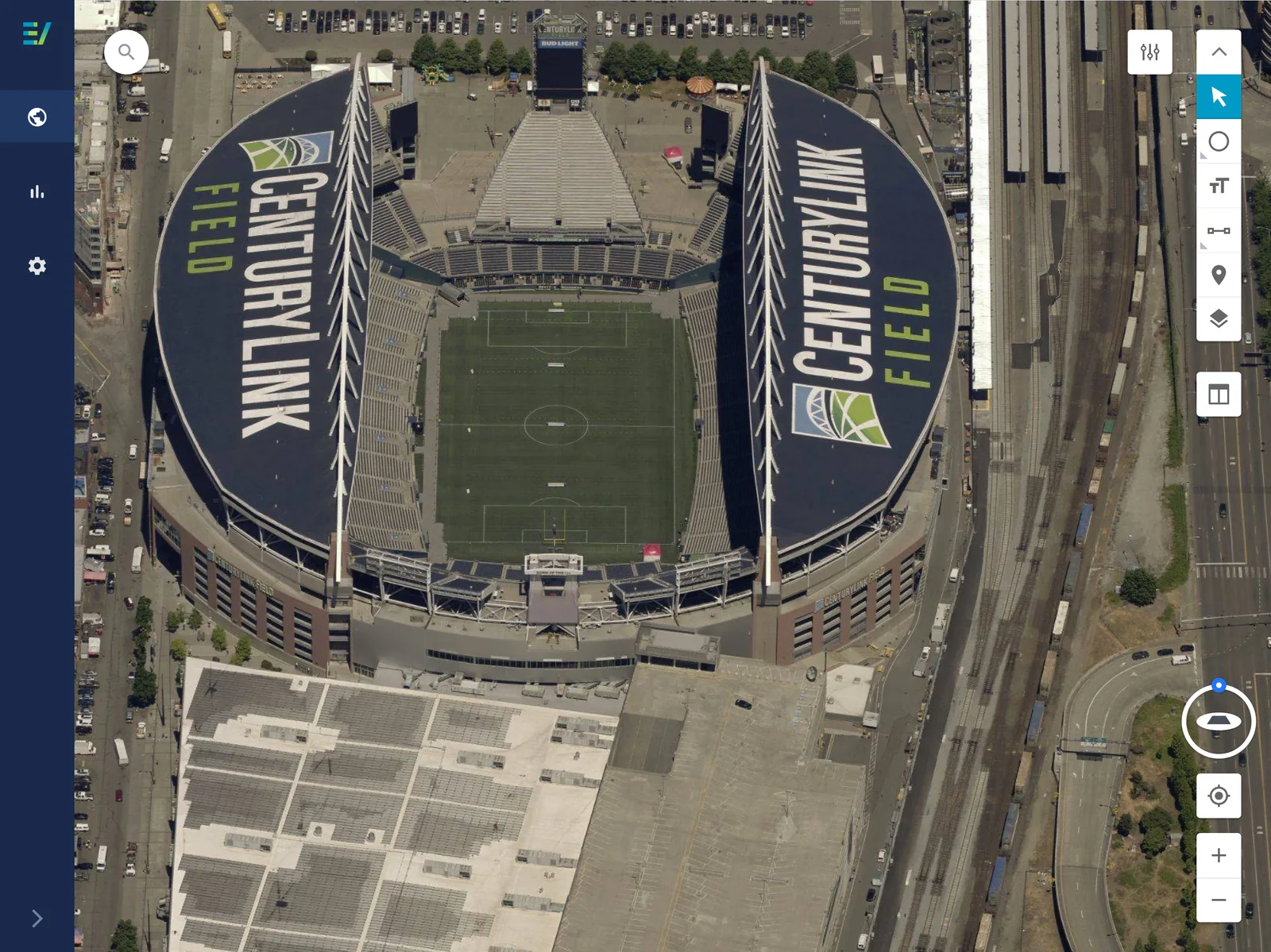
- Redesign two existing products (Connect Explorer & Connect Assessment) into one seamless experience.
- Provide designs for 3 main tasks such as imagery search, imagery tools, and imagery navigation.
- Uncover value opportunities (such as the "property list" feature) that alleviate user pains.
- Document the design and its functionality.
Ideation
Ideation involved collaborating with various team members to brainstorm concepts so that all members of the team could share their ideas and insight. This involved whiteboarding as well as sketching as a team to aggregate variations of what the features would look like.
Layout & Redlines
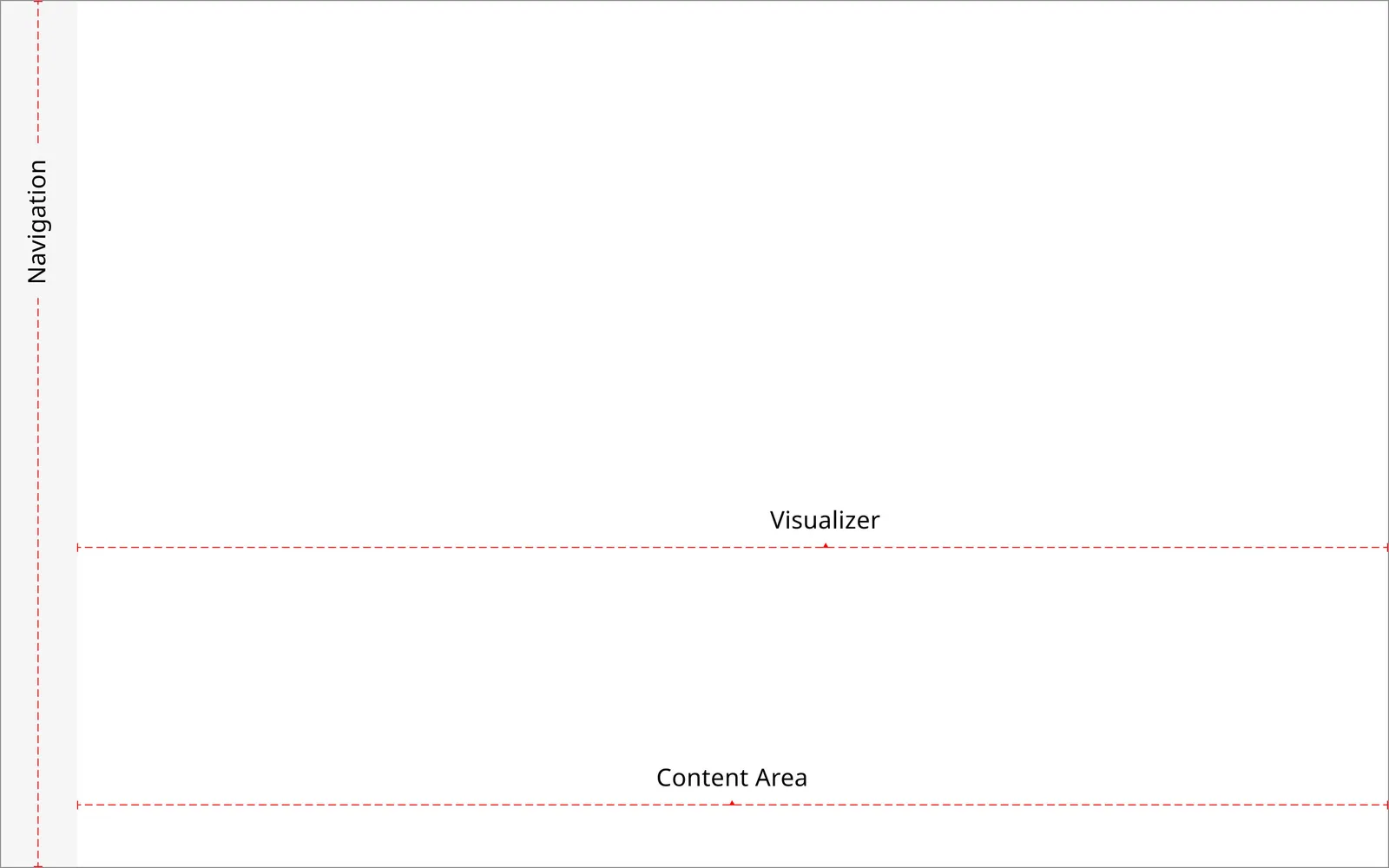
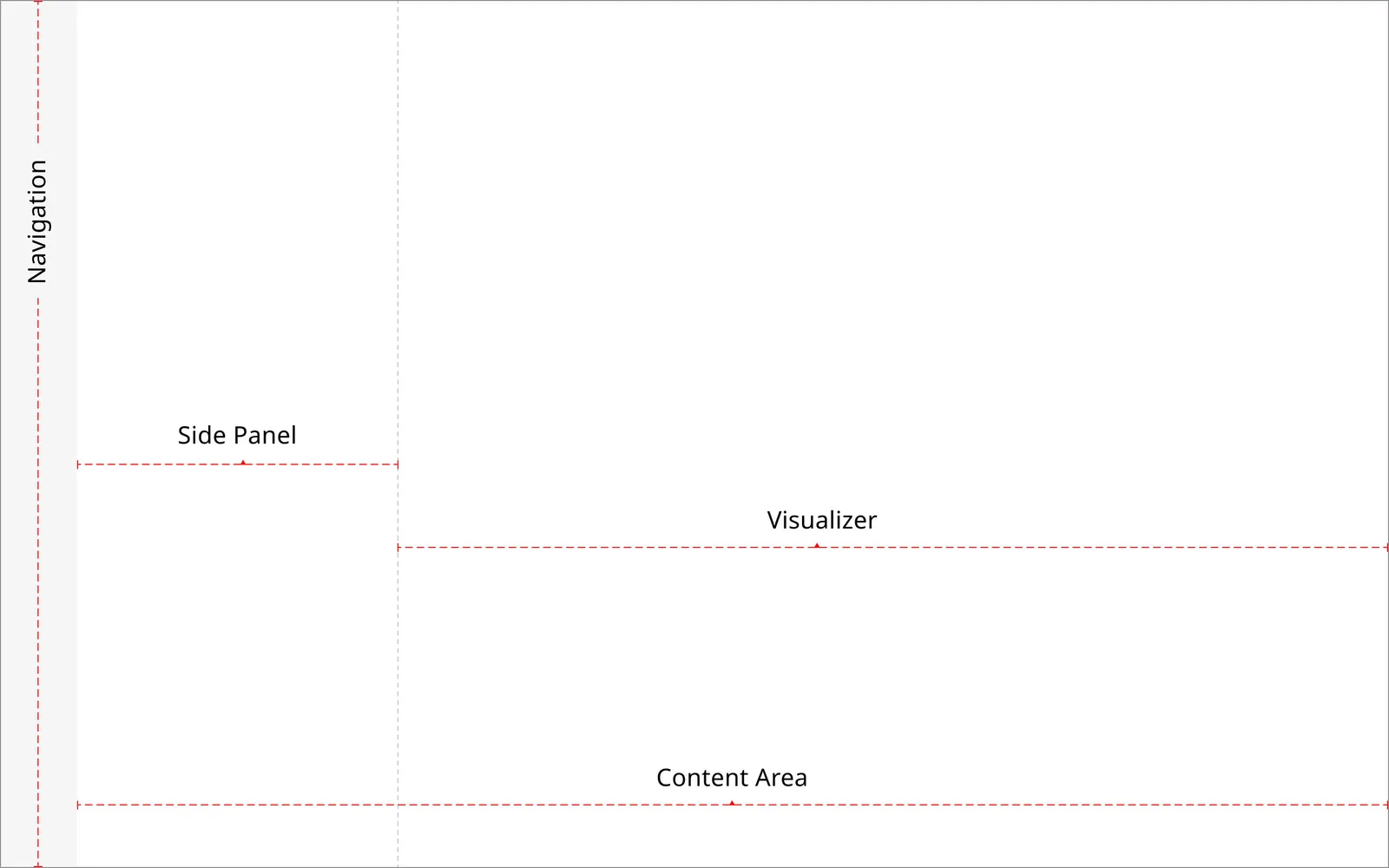
I was tasked with documentation of the layout of the newly redesigned product. This included highlighting the main containers such as primary navigation and the content area. Thes content area further broke down into sections such as the side panel and visualizer.
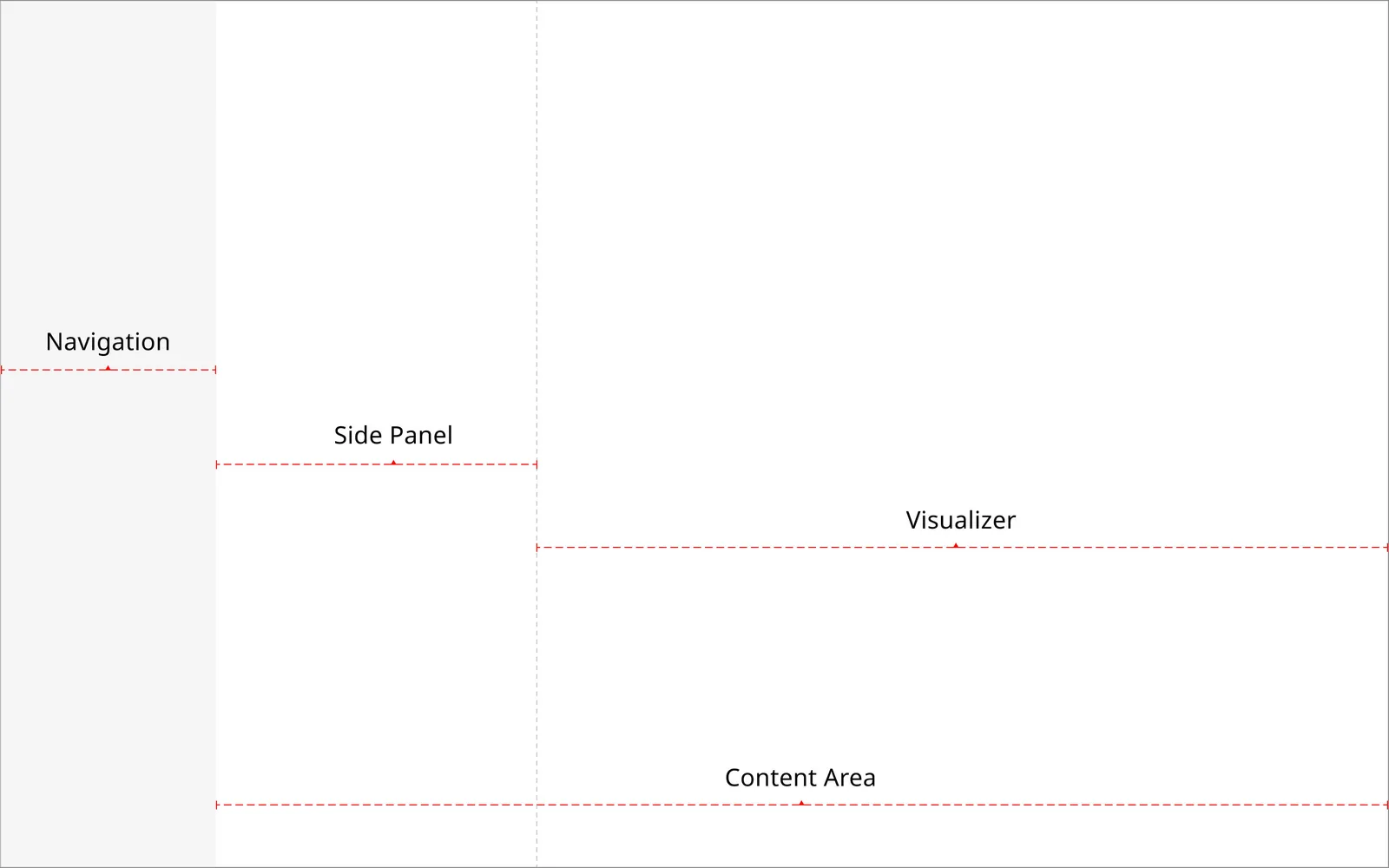
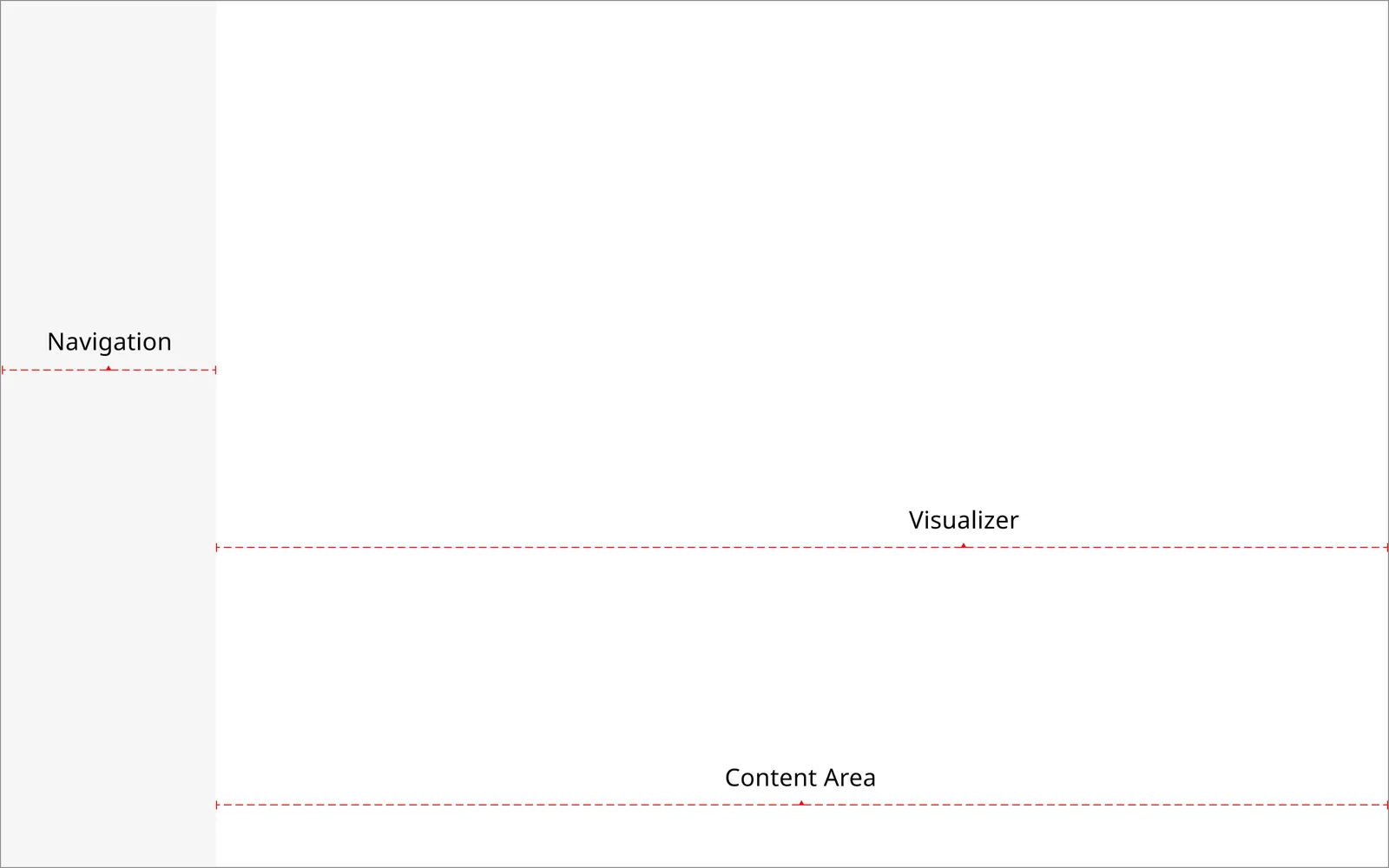
Wireframes - Component Sections
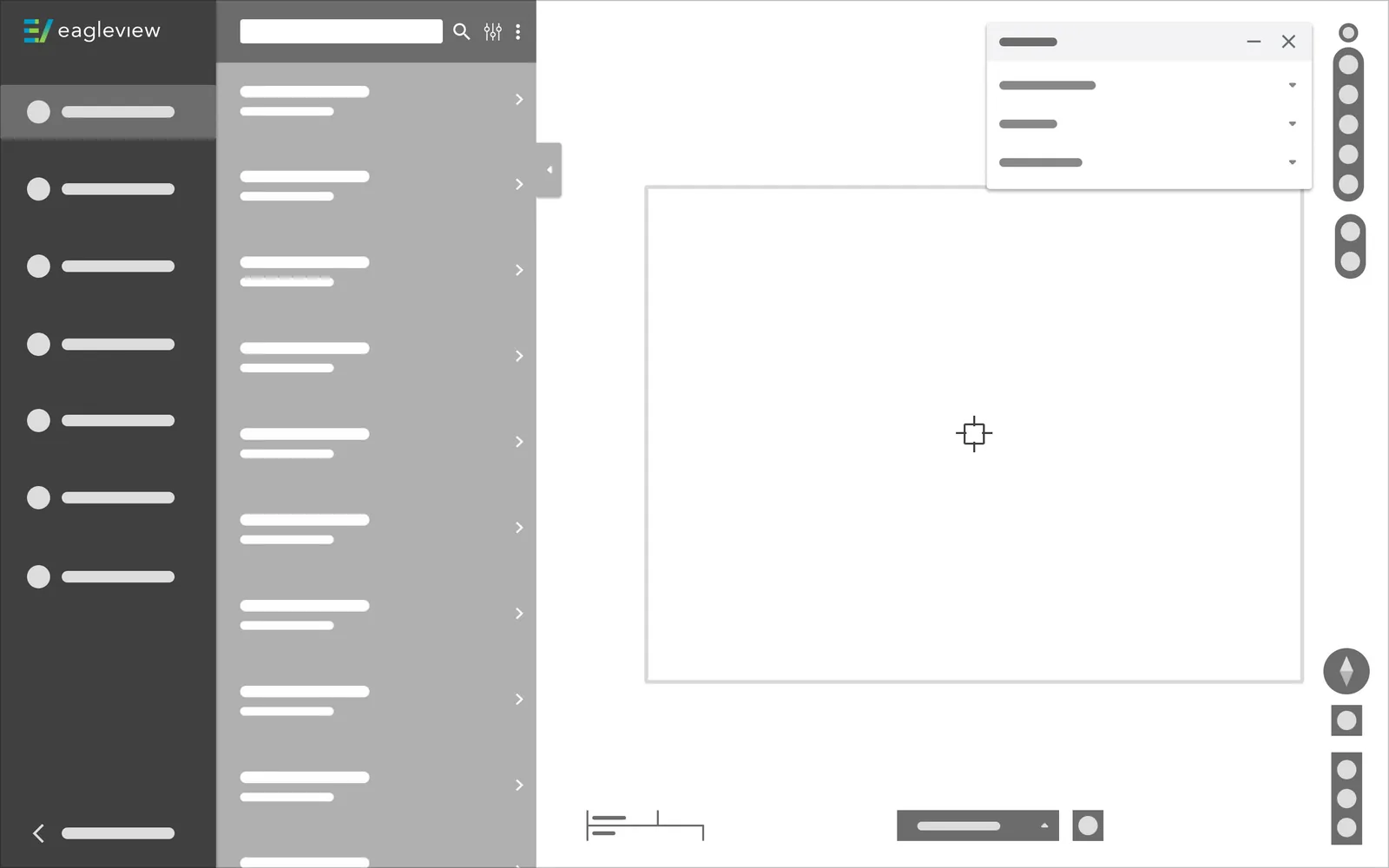
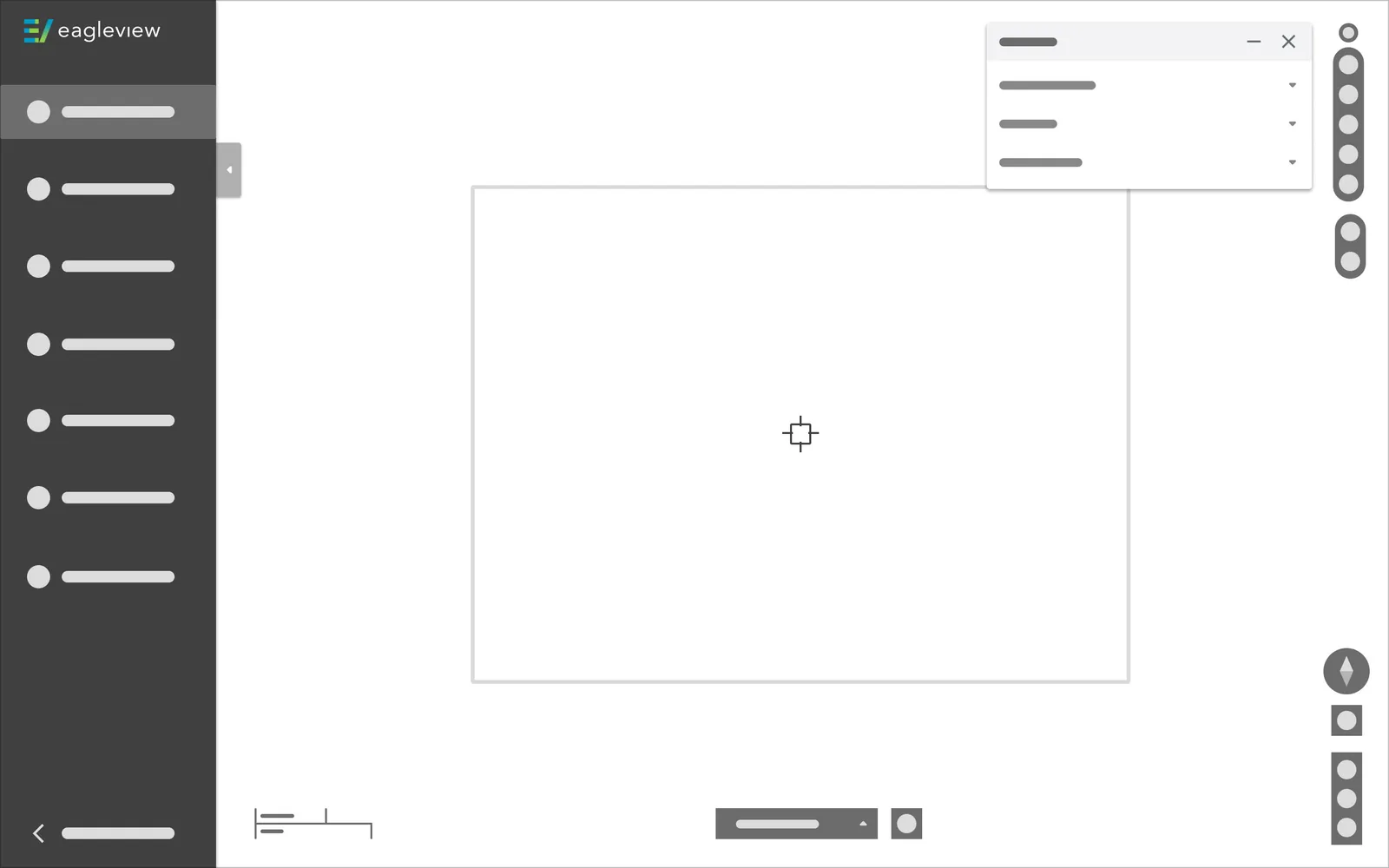
Each container was designated a section (zone) that provided more detail into how content would interact when expanding and collapsing, including where certain components would exist.




Sketches
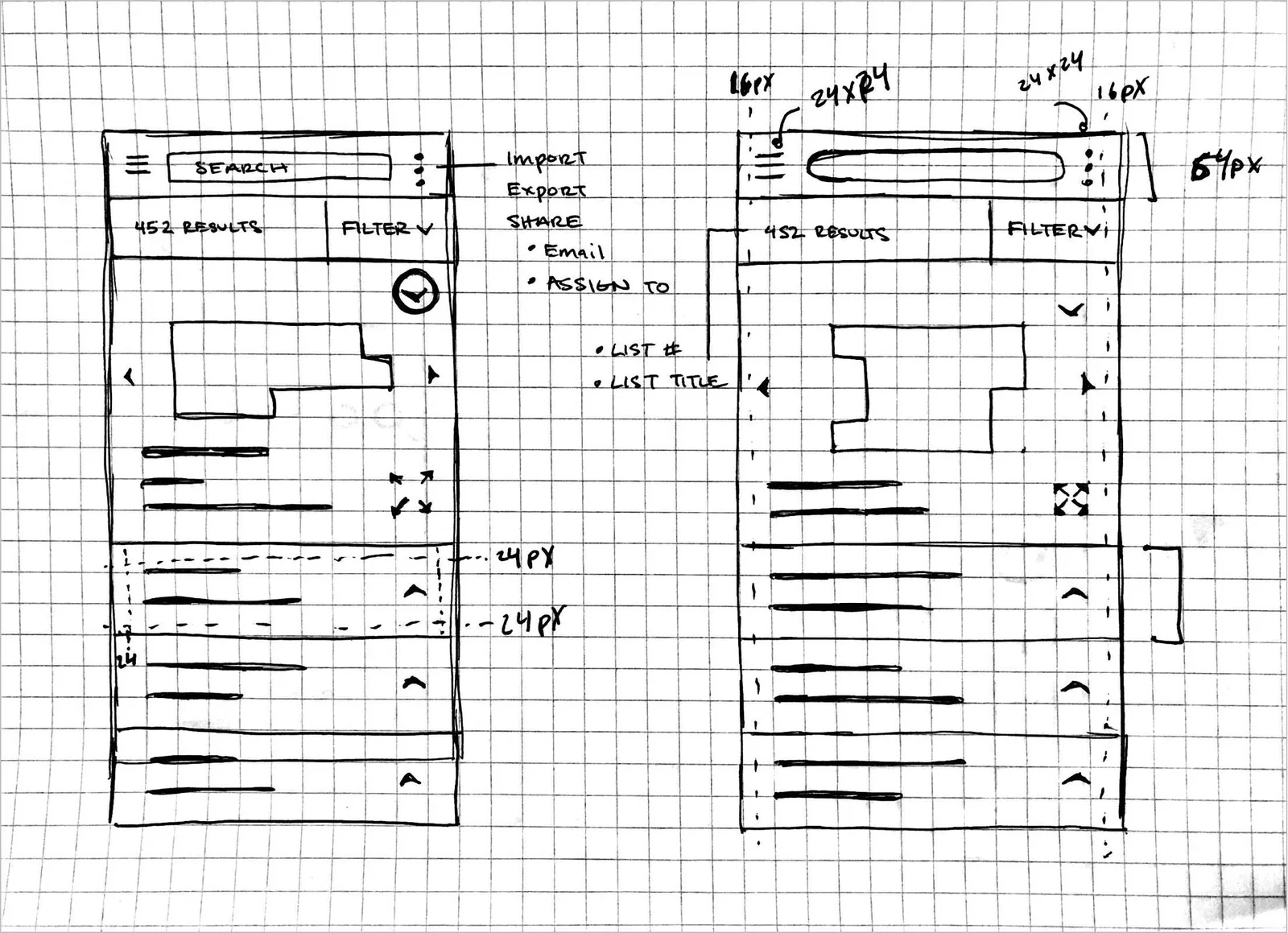
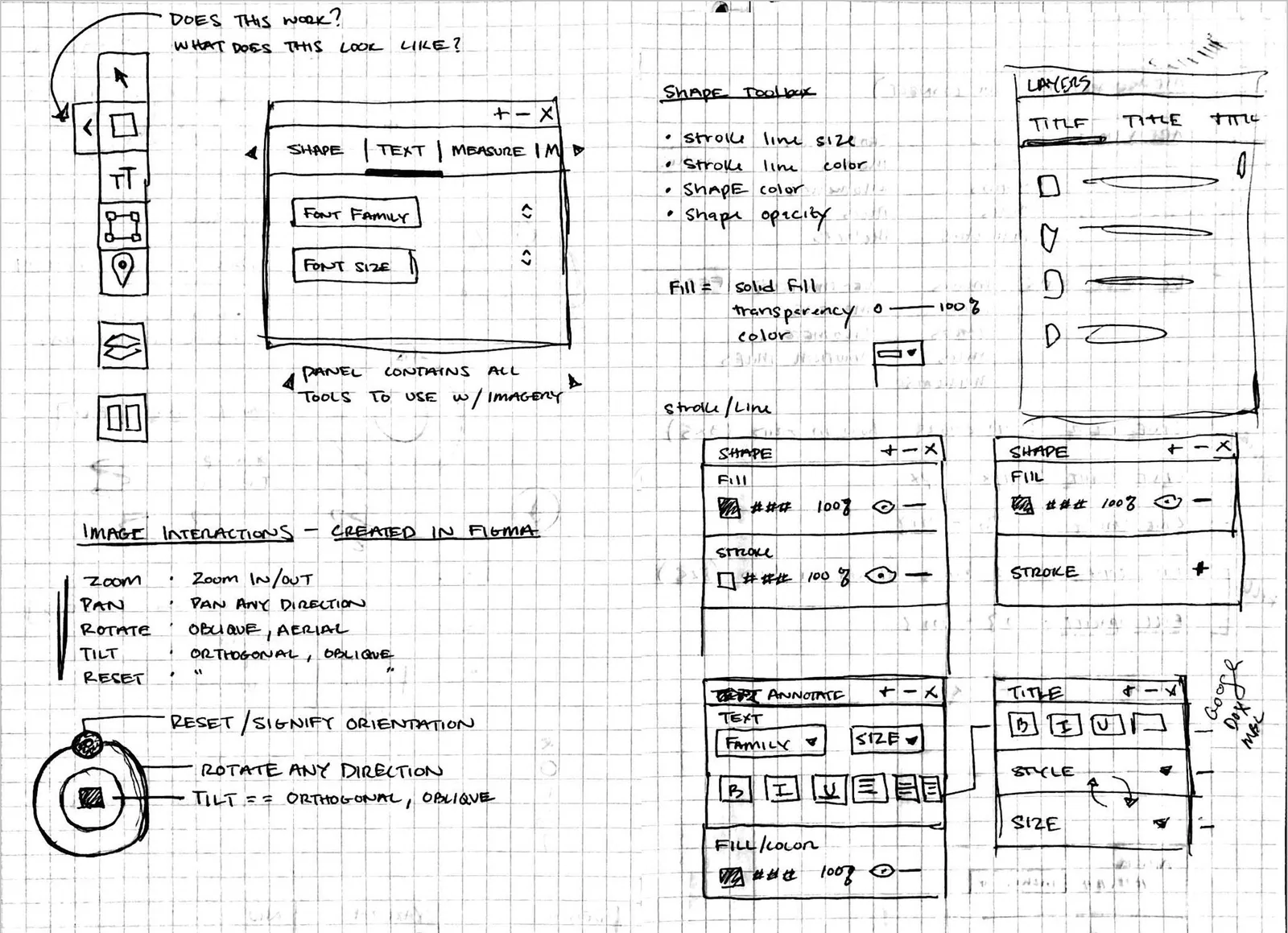
I began sketching the UI in parallel with the construction of the Wireframes. Since I needed to create lo-fidelity wireframes, I wanted to spend some time brainstorming the UI content and components through sketching. This allowed me to provide solutions to anticipated product features, as well as make mistakes on paper before going into Figma.
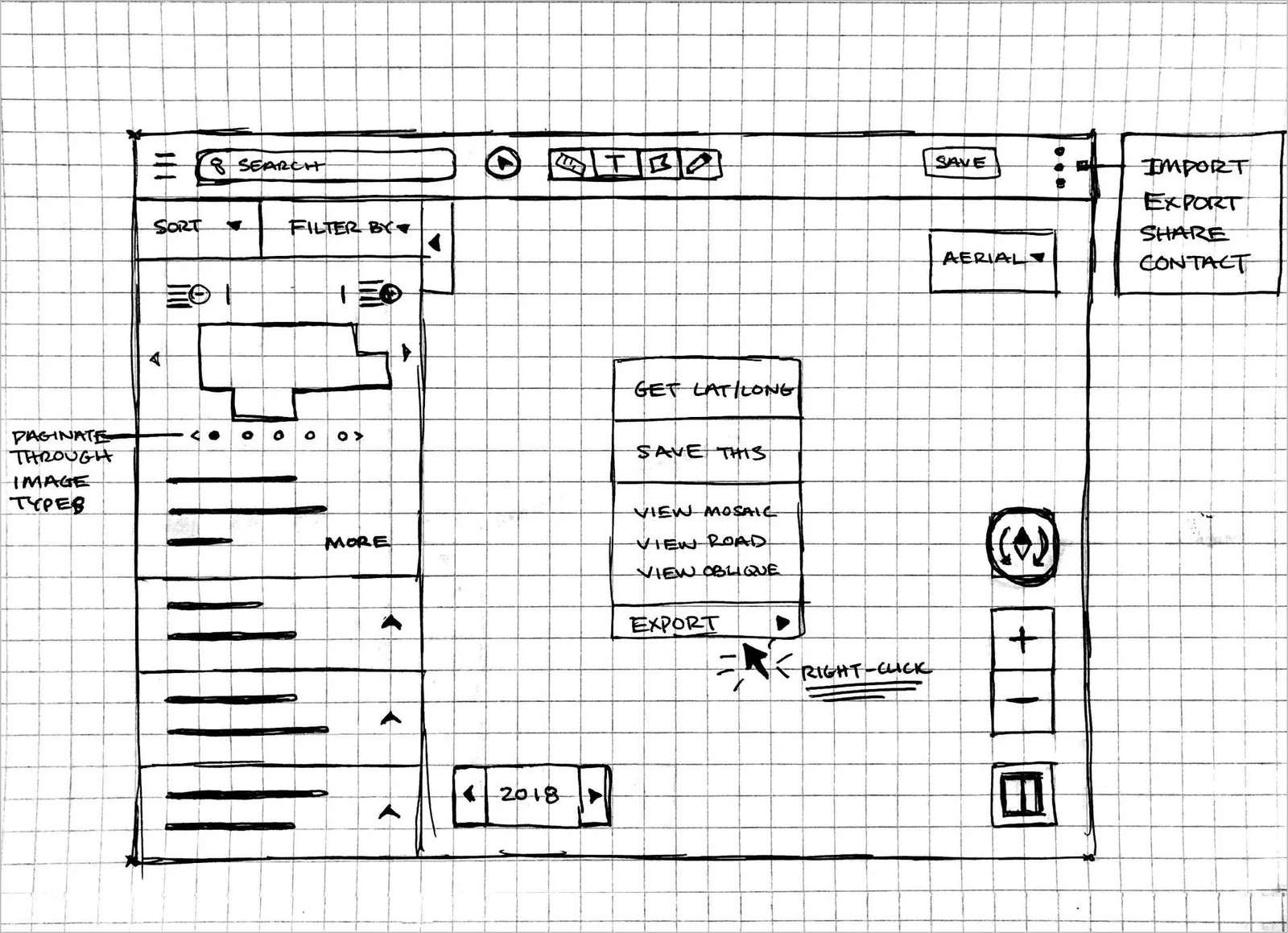
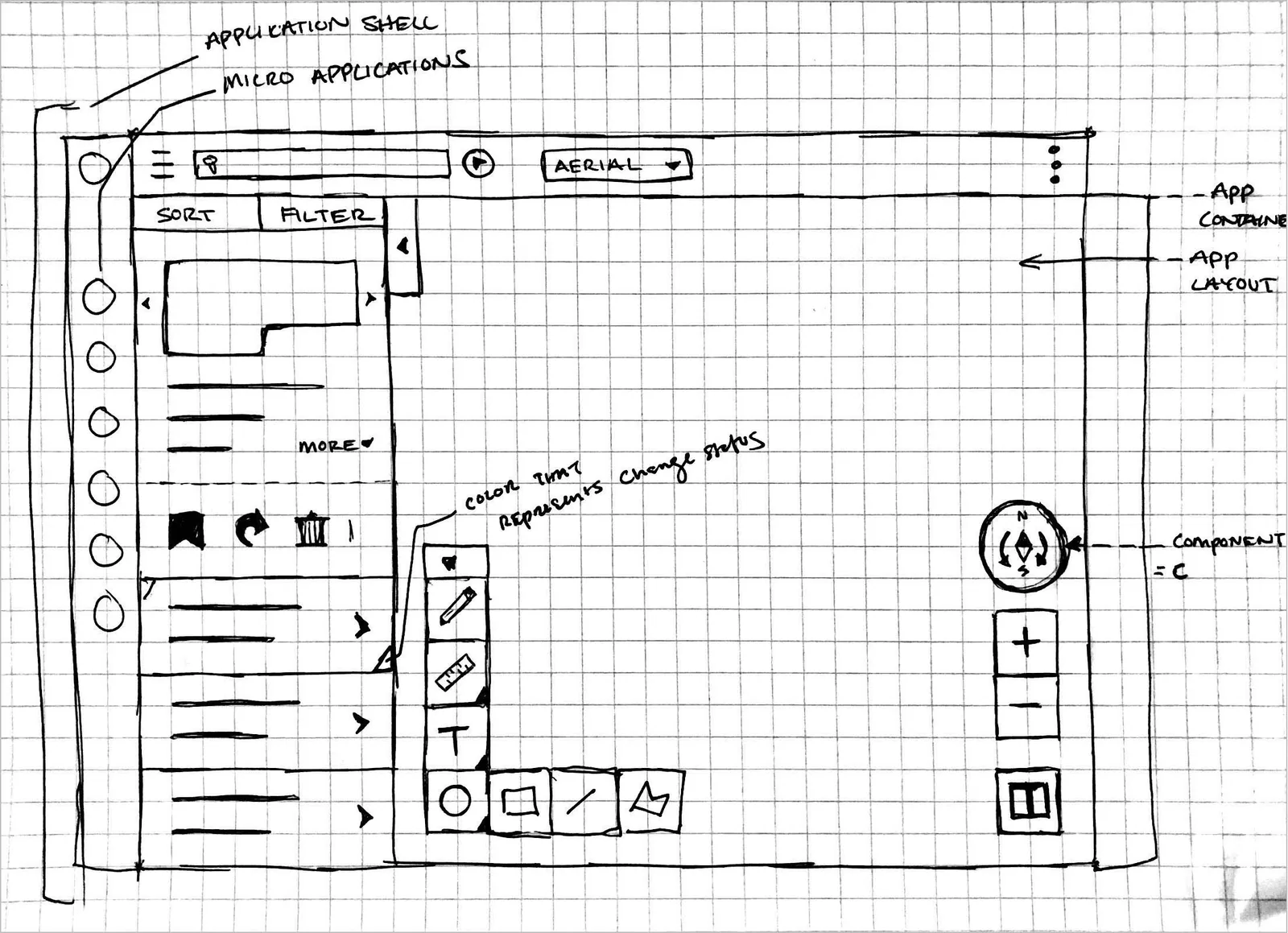
Wireframes - Lo-Fidelity
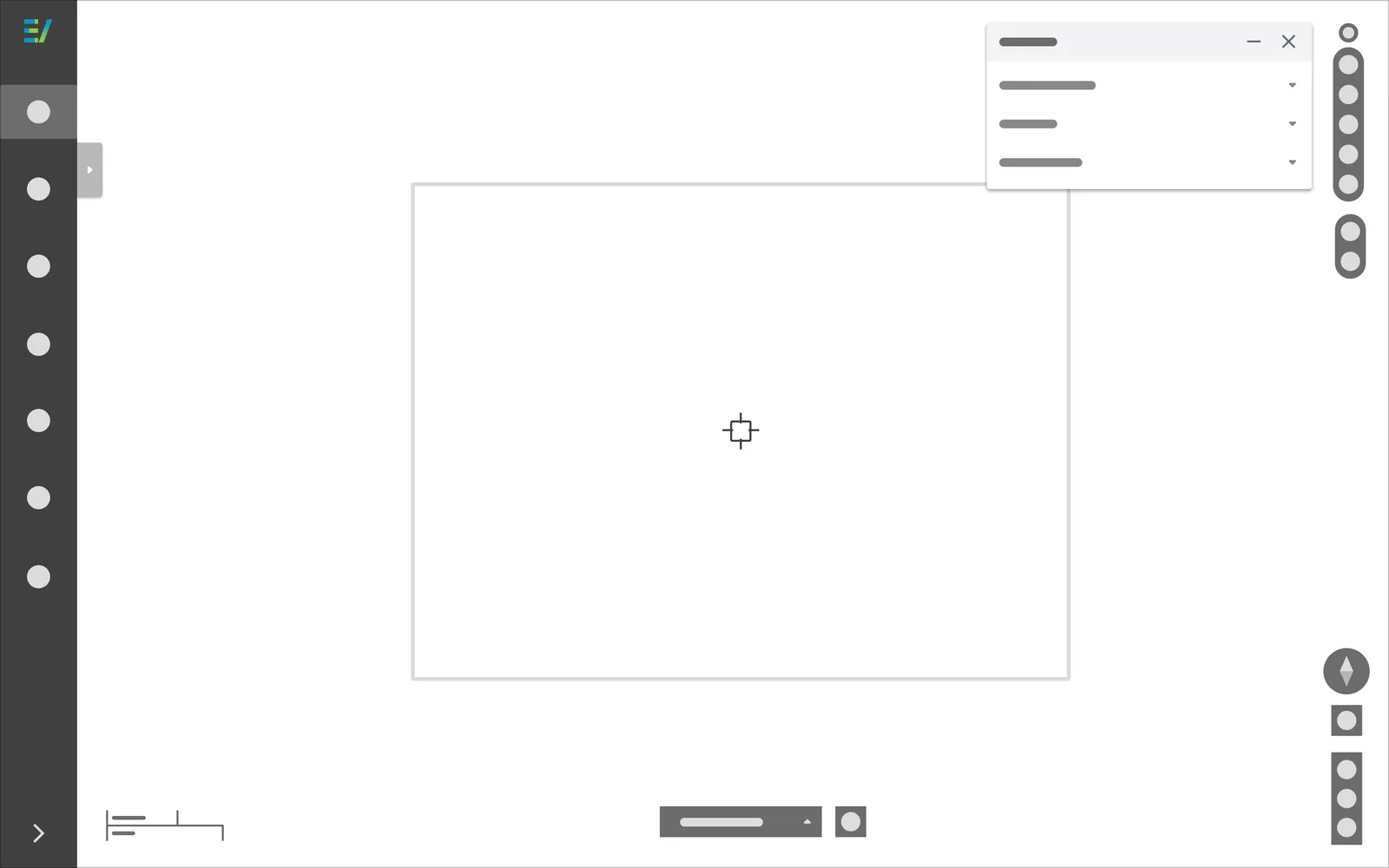
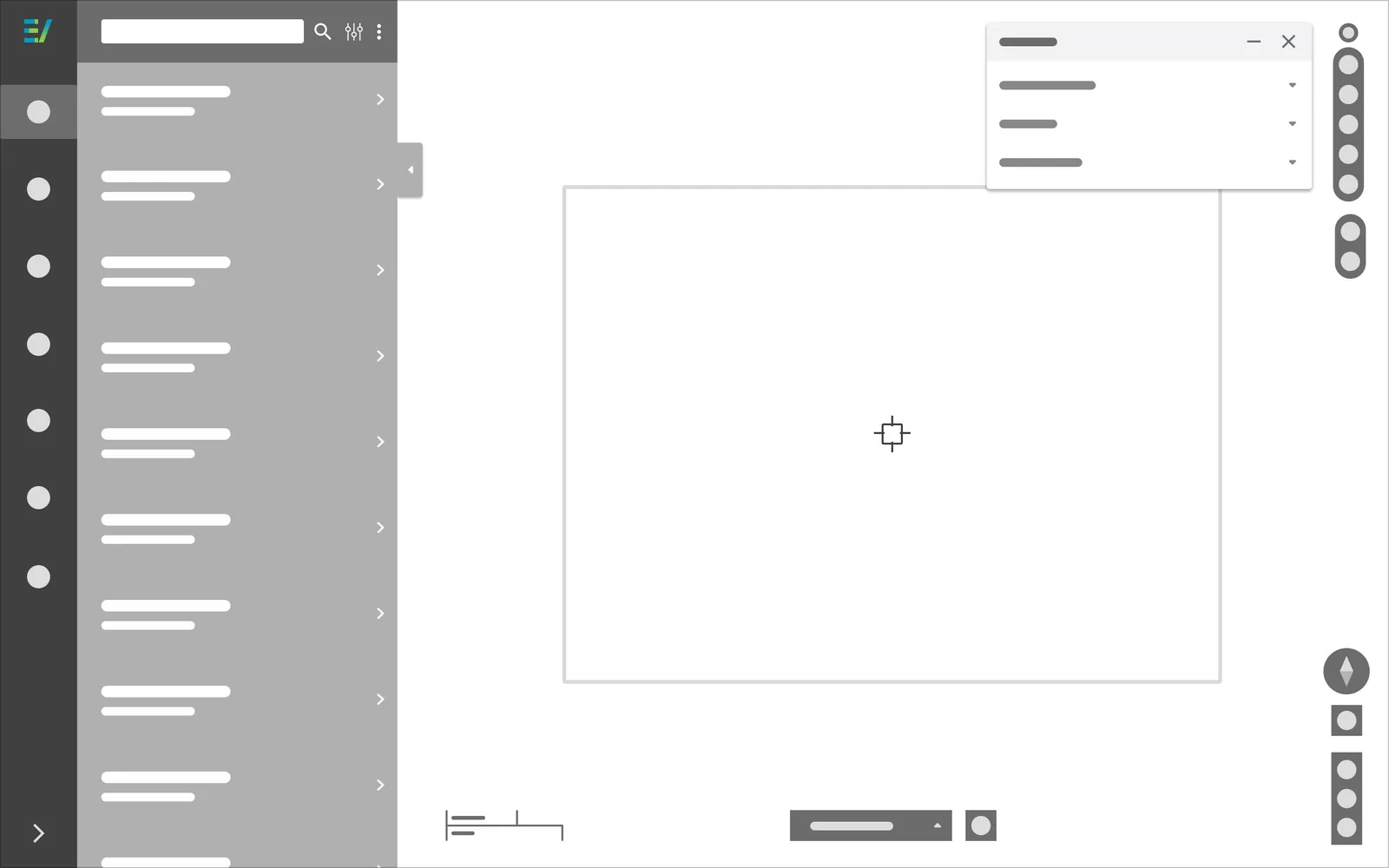
I constructed lo-fidelity wireframes using previous wireframes from the component sections with designated zones, and sketches. Using both sketches and wireframes from the component sections made the construction of wireframes much easier.
Design Solutions
The design solution involved using Figma while focusing on three main requirements; imagery search, imagery tools, and imagery navigation. These three main requirements were considered core interactions that support each user type and were determined that these feature sets would be created first.
Imagery Search
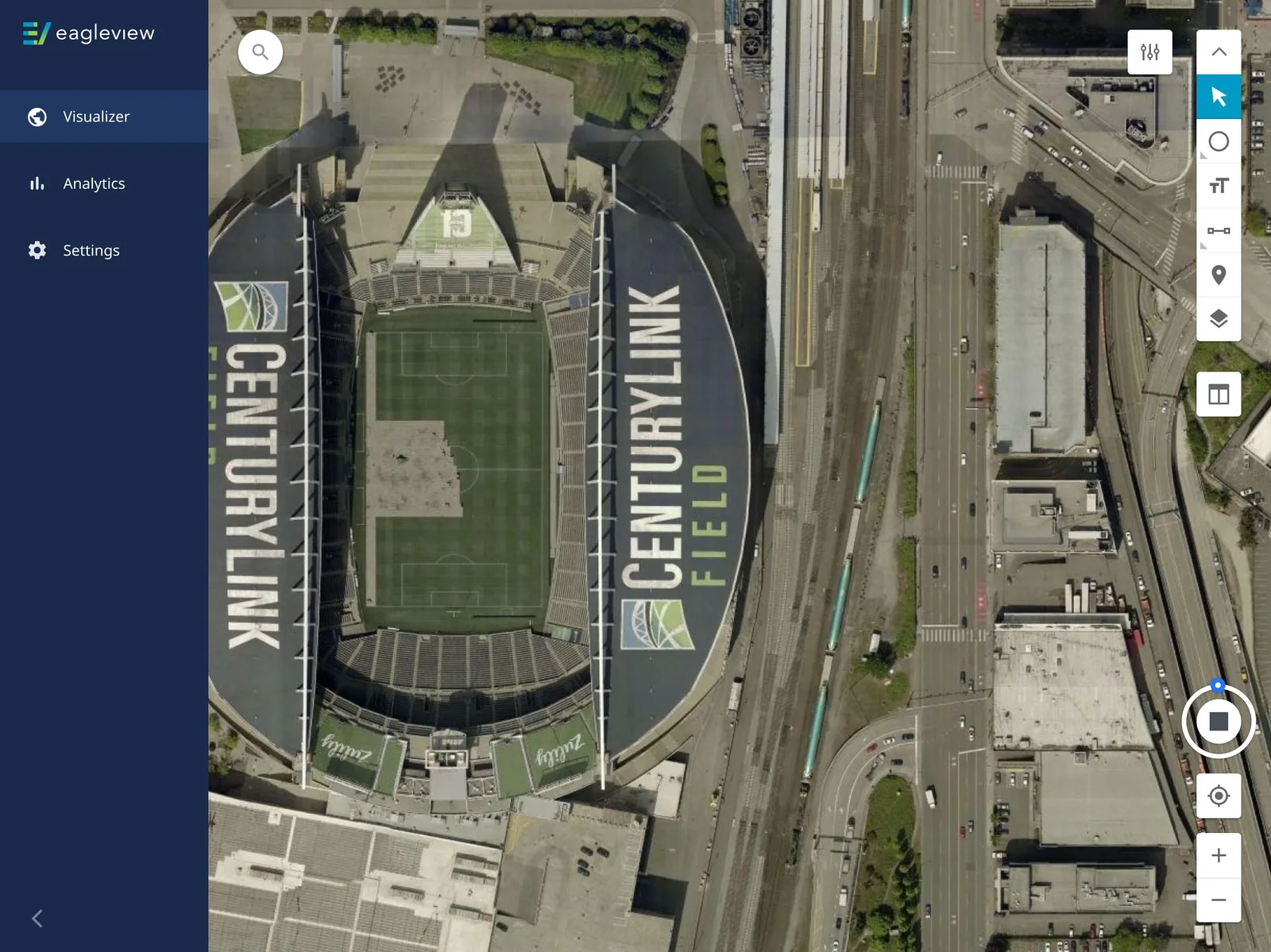
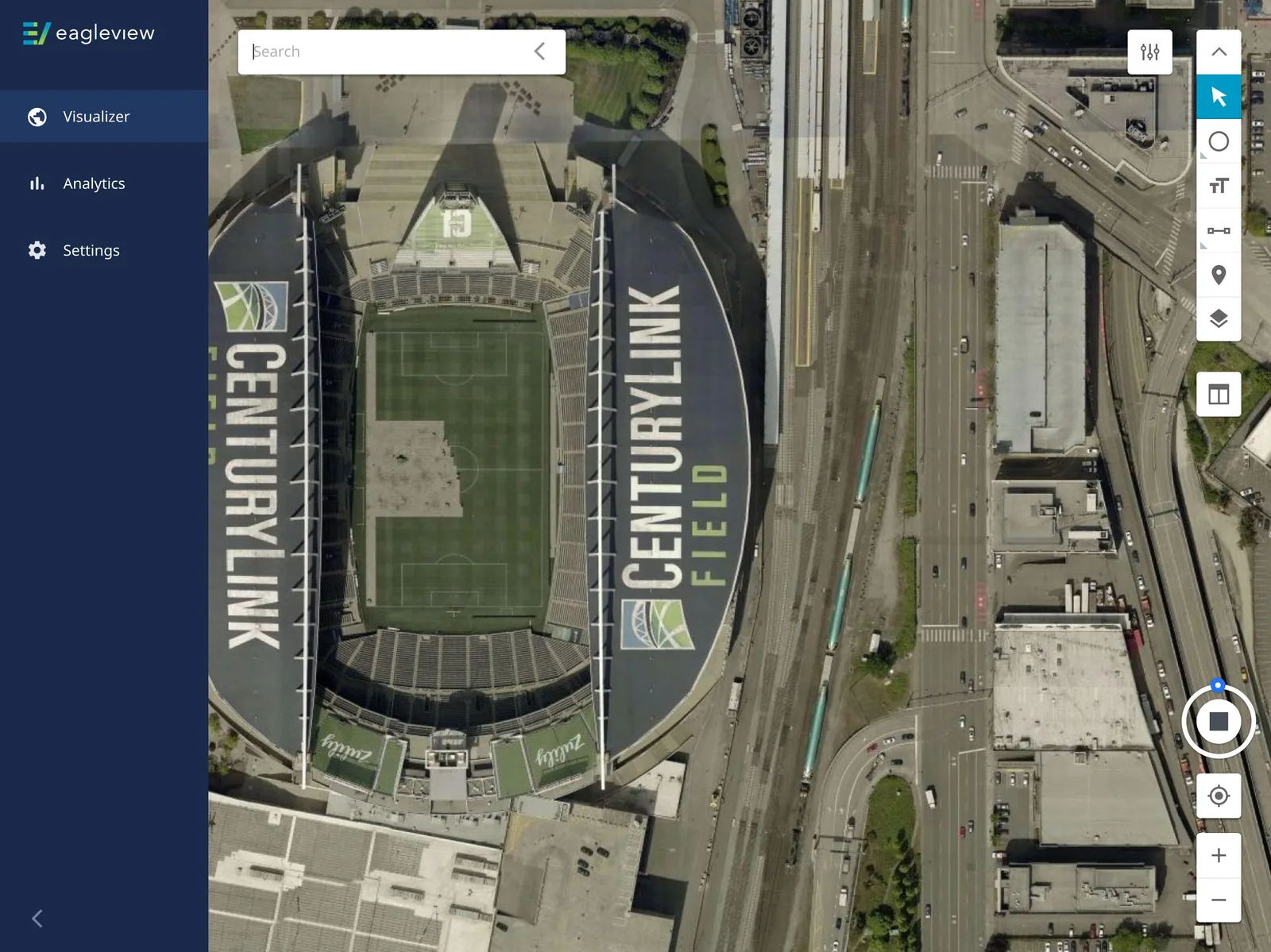
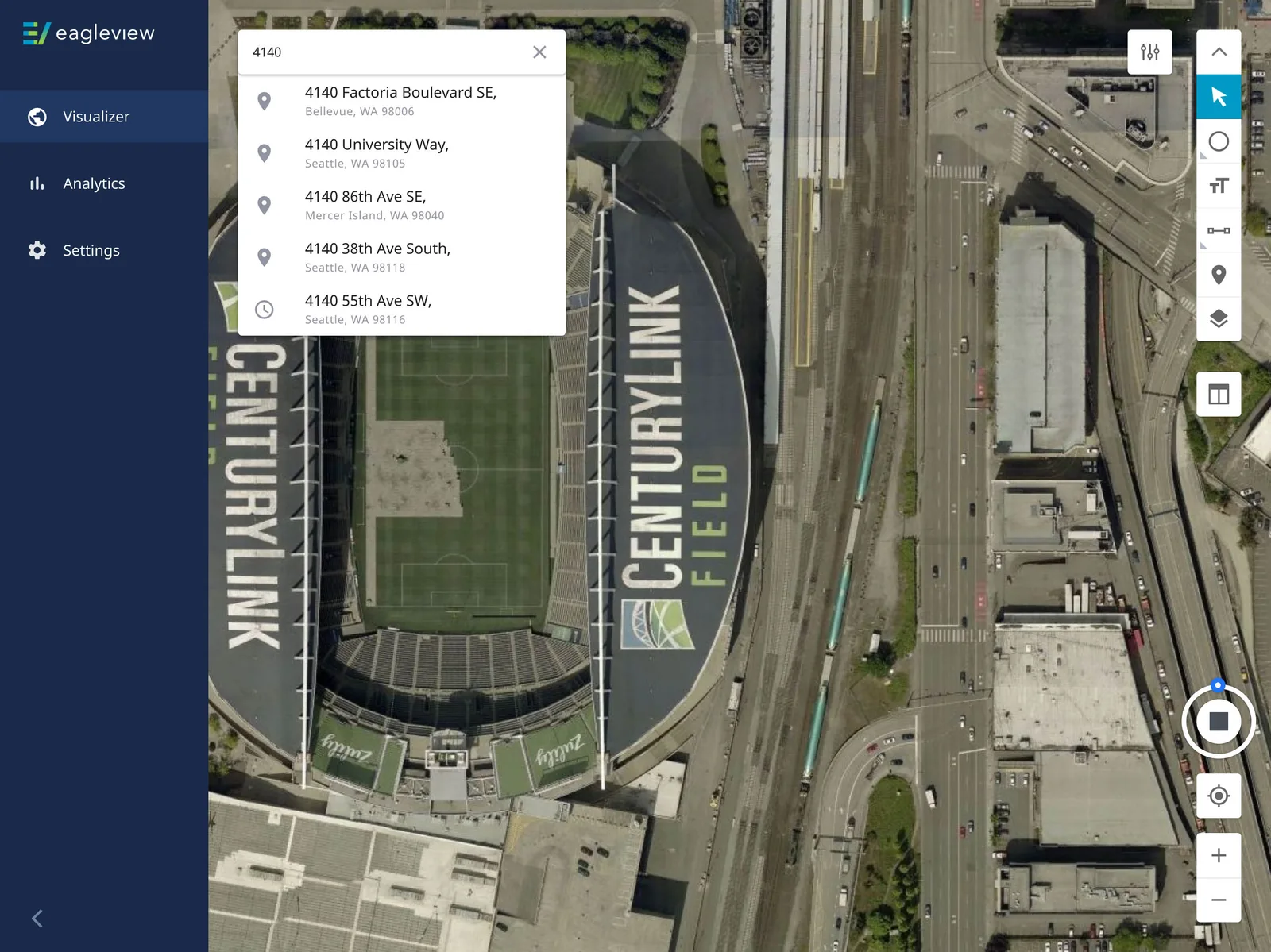
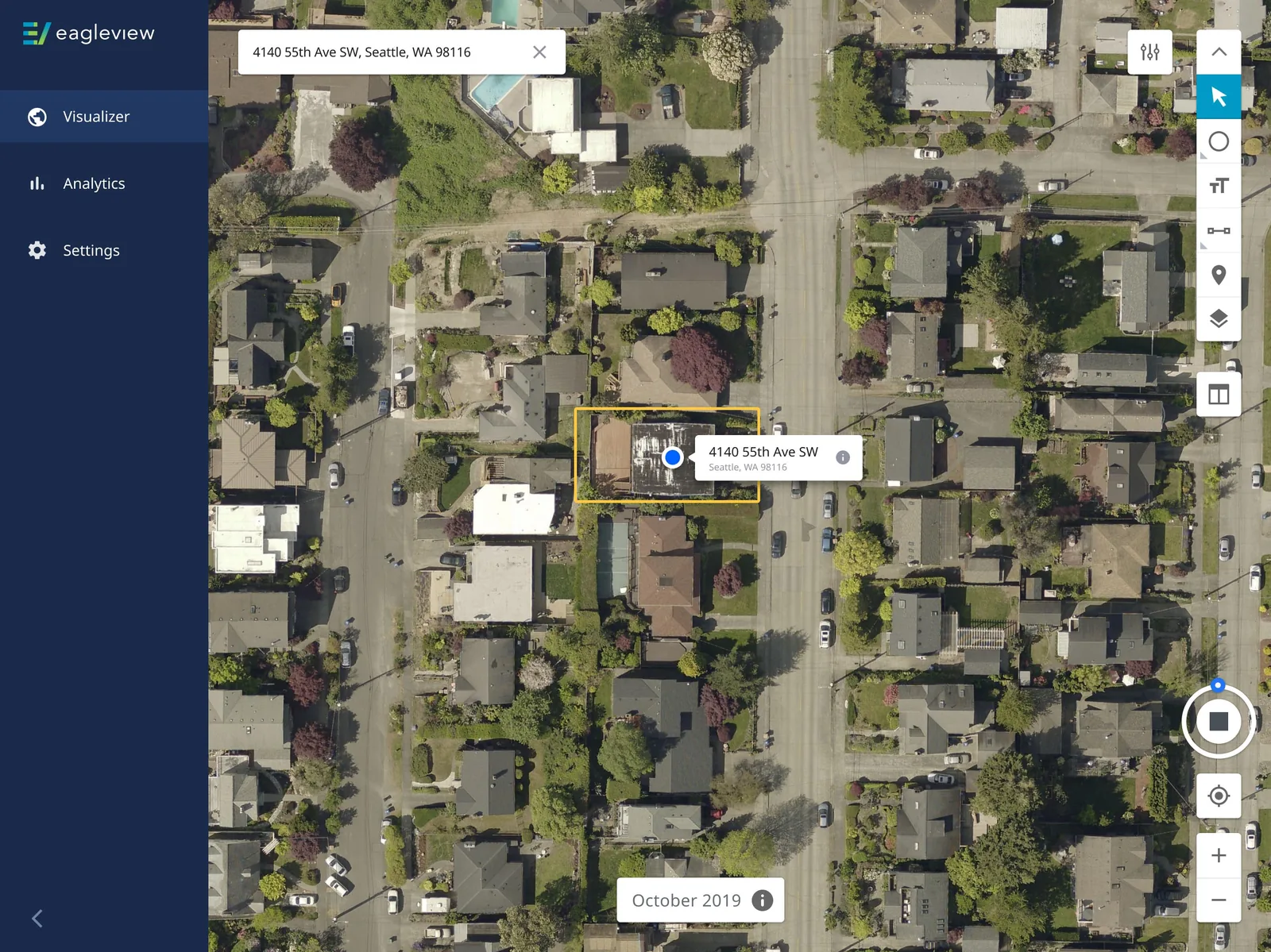
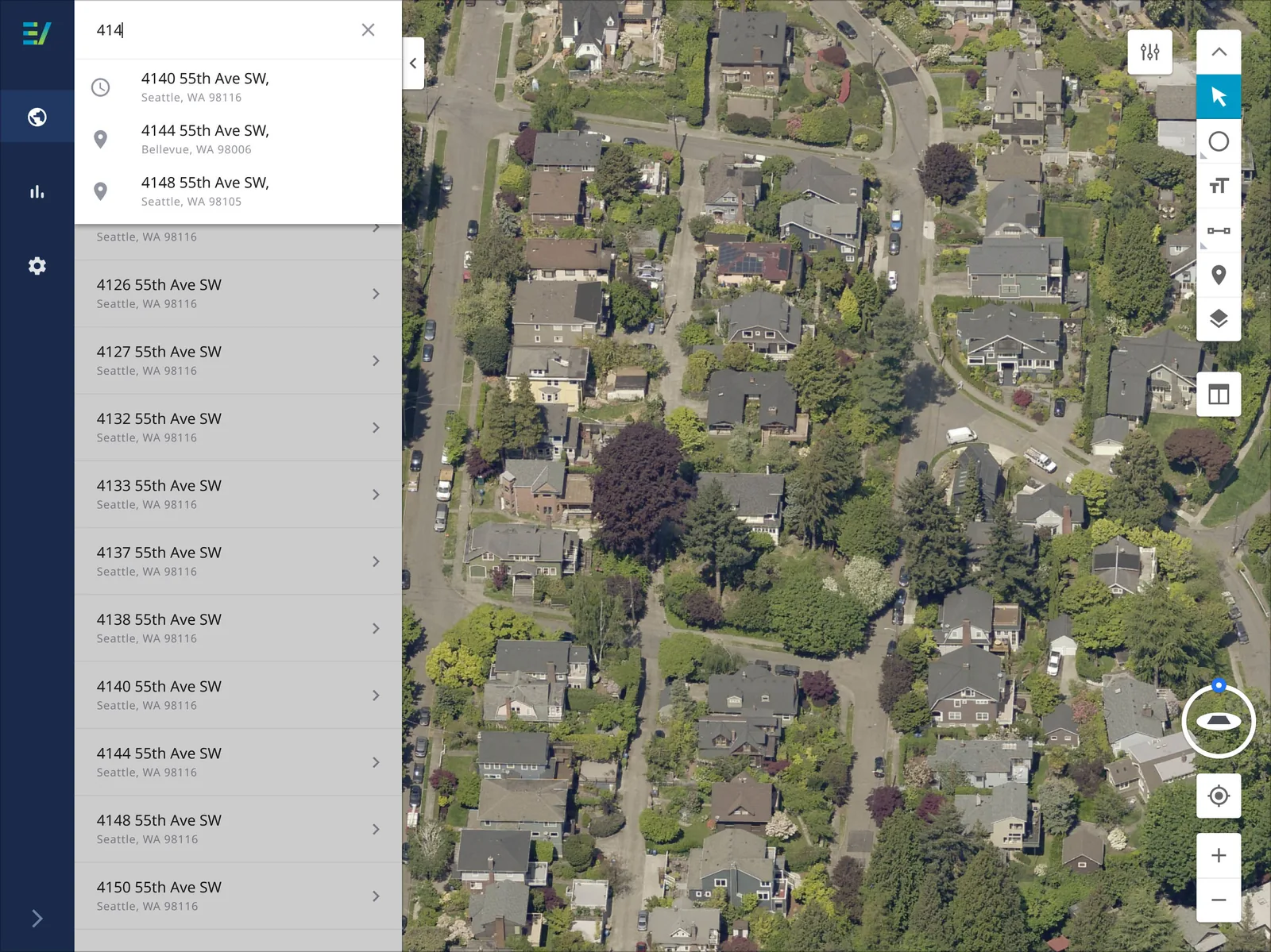
With imagery search, users expressed that they wanted the search bar to auto-populate addresses based on each character entered so that they could easily access parcel locations quicker. When a previous searched addressed is entered they wanted something to symbolize that the address had been already clicked on.
Imagery Tools
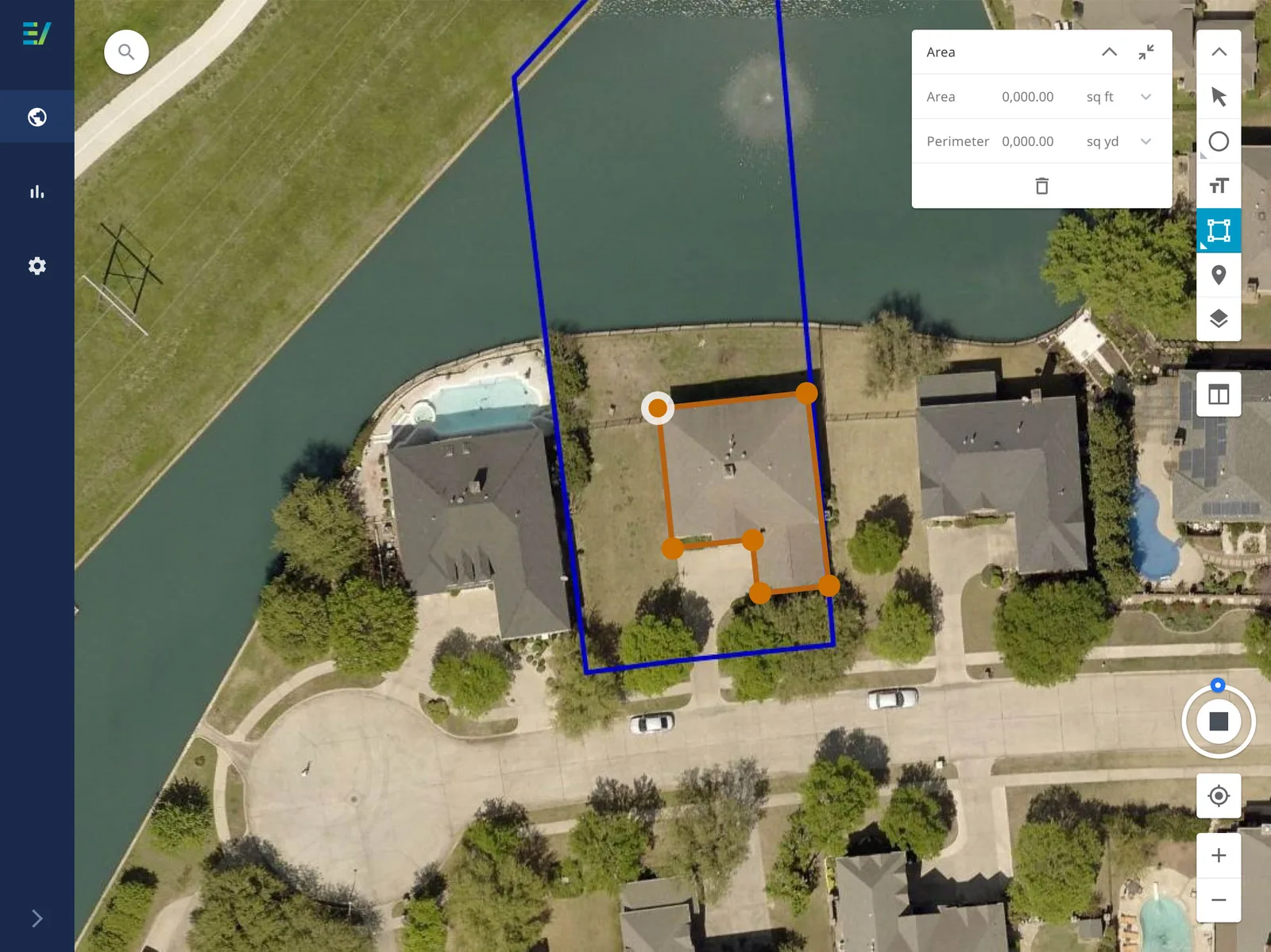
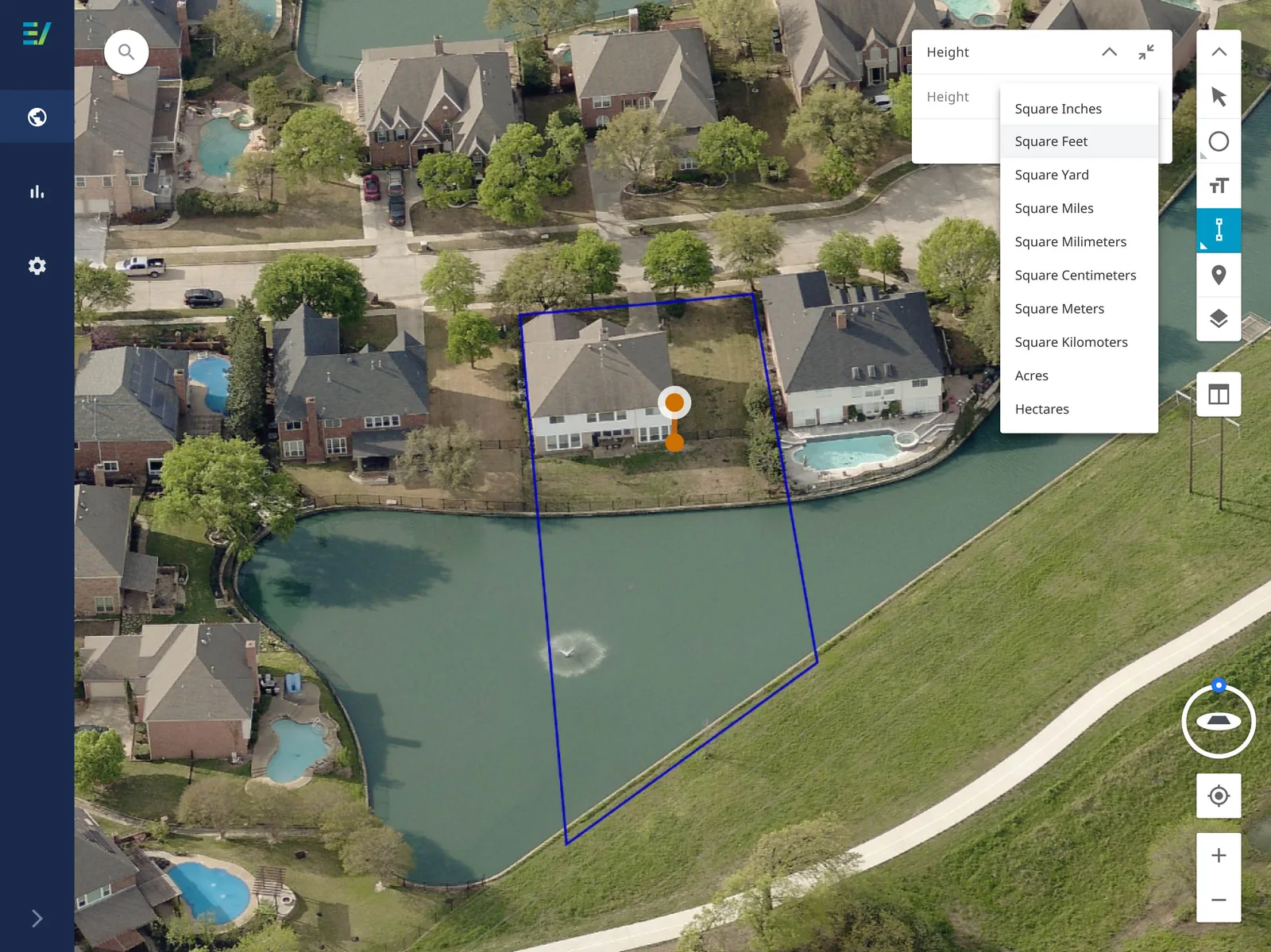
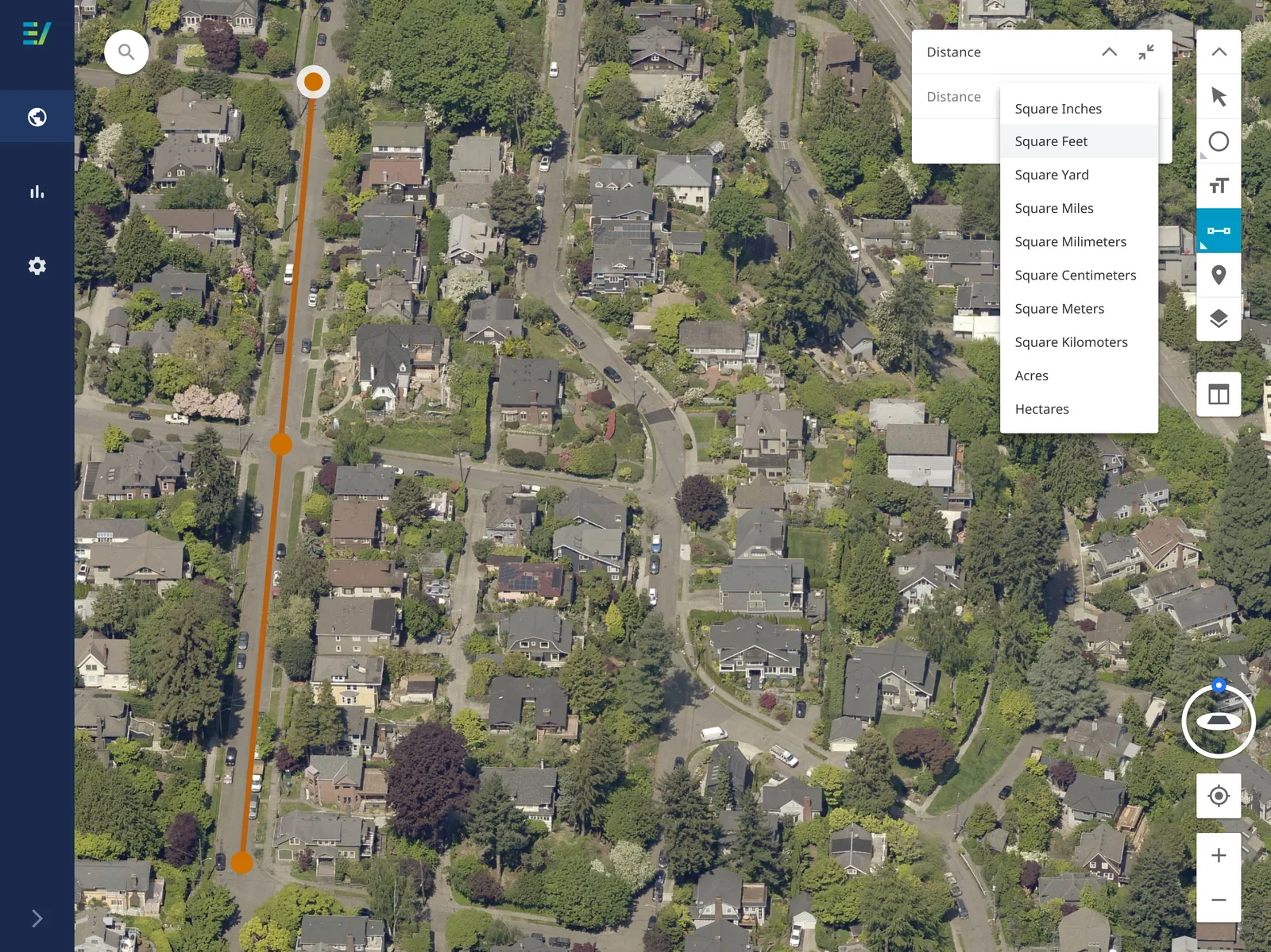
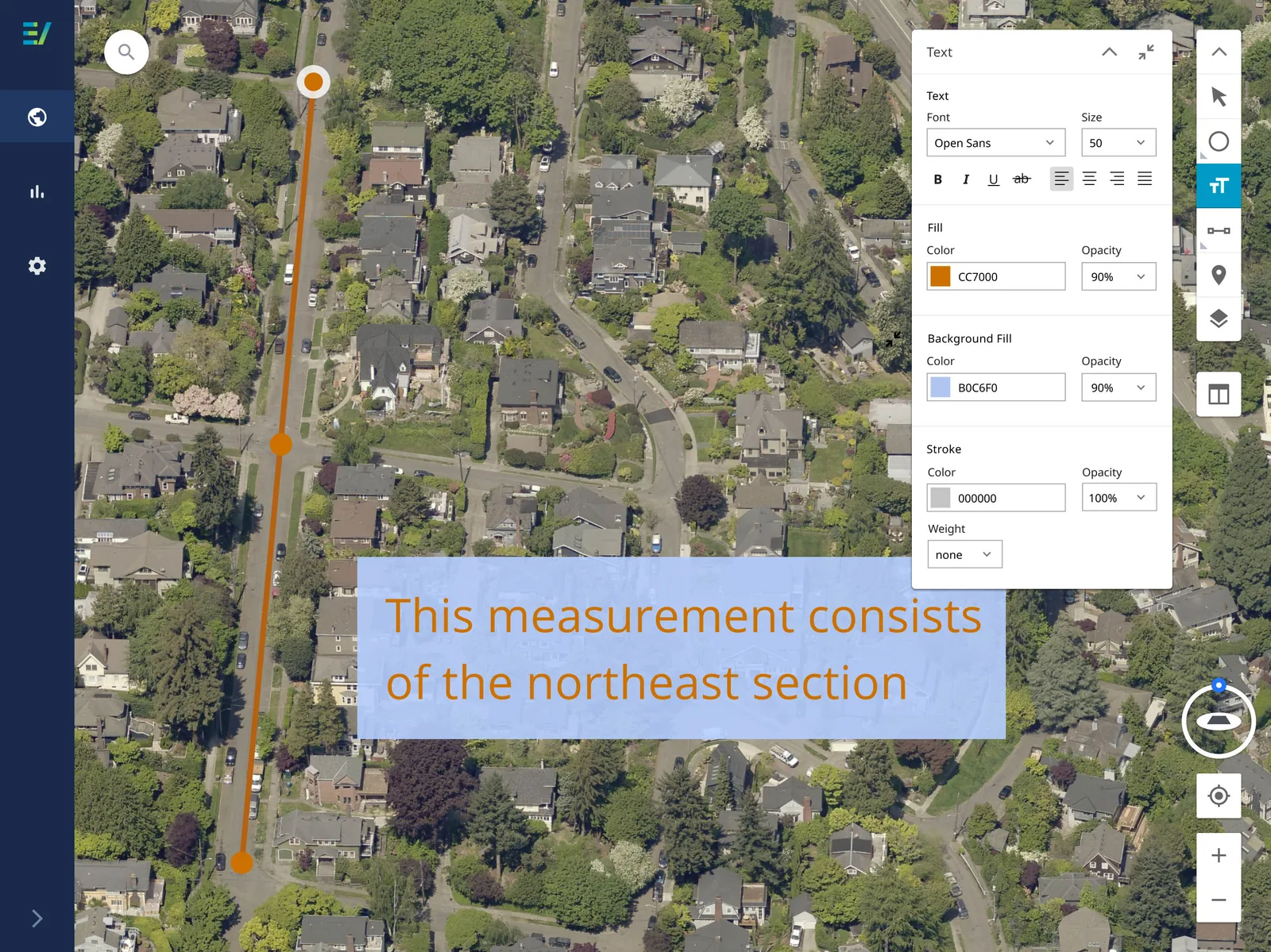
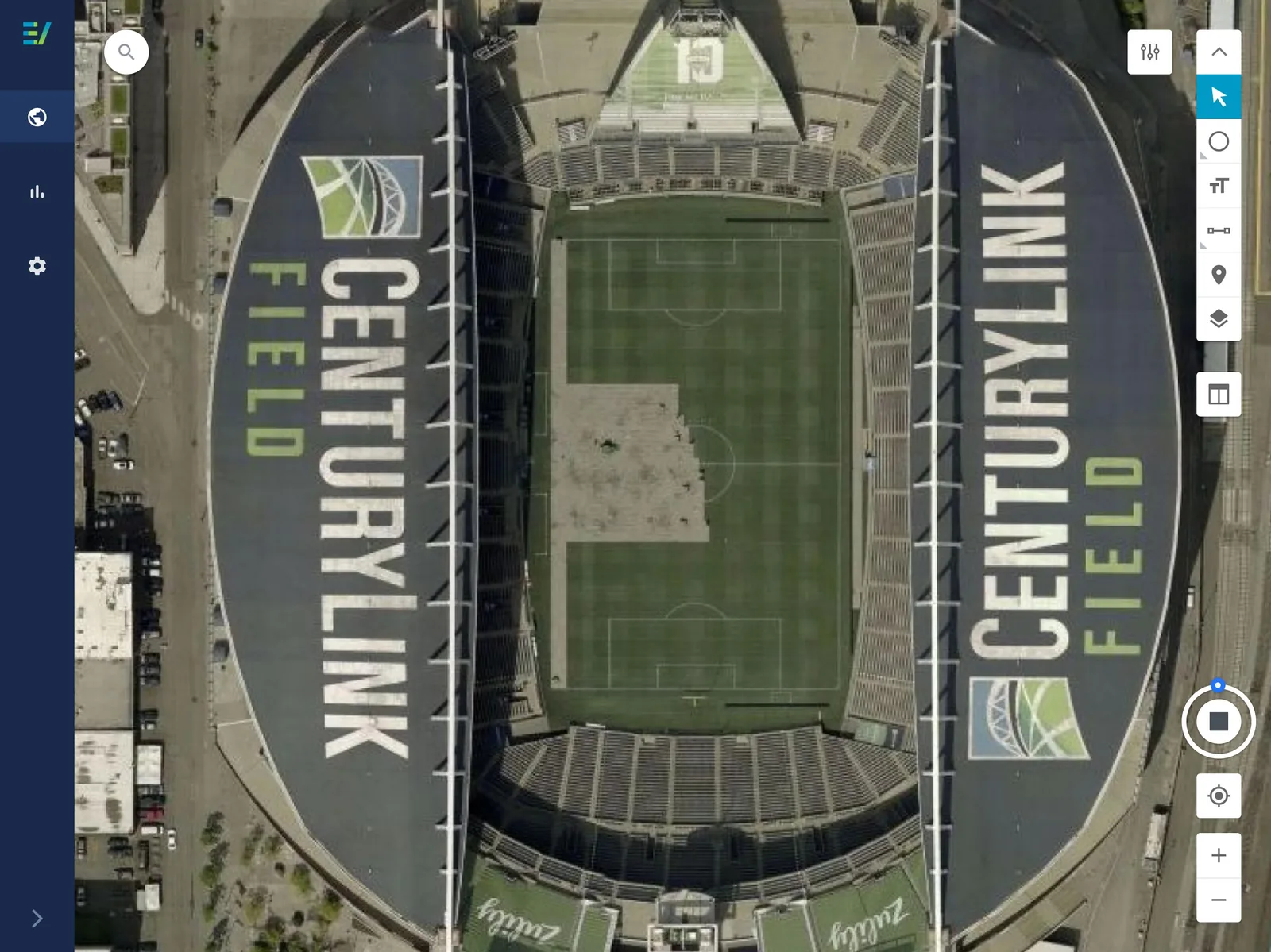
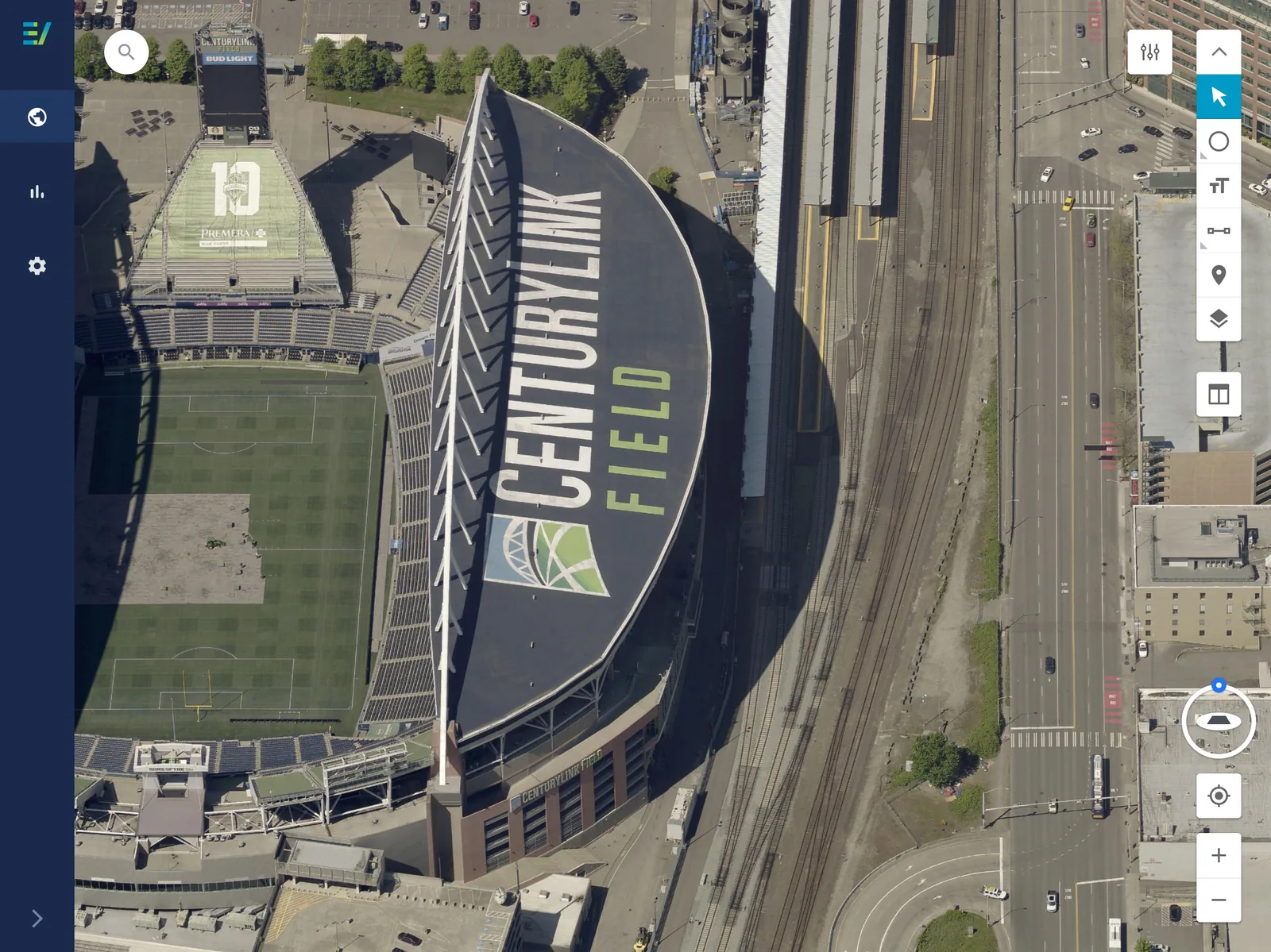
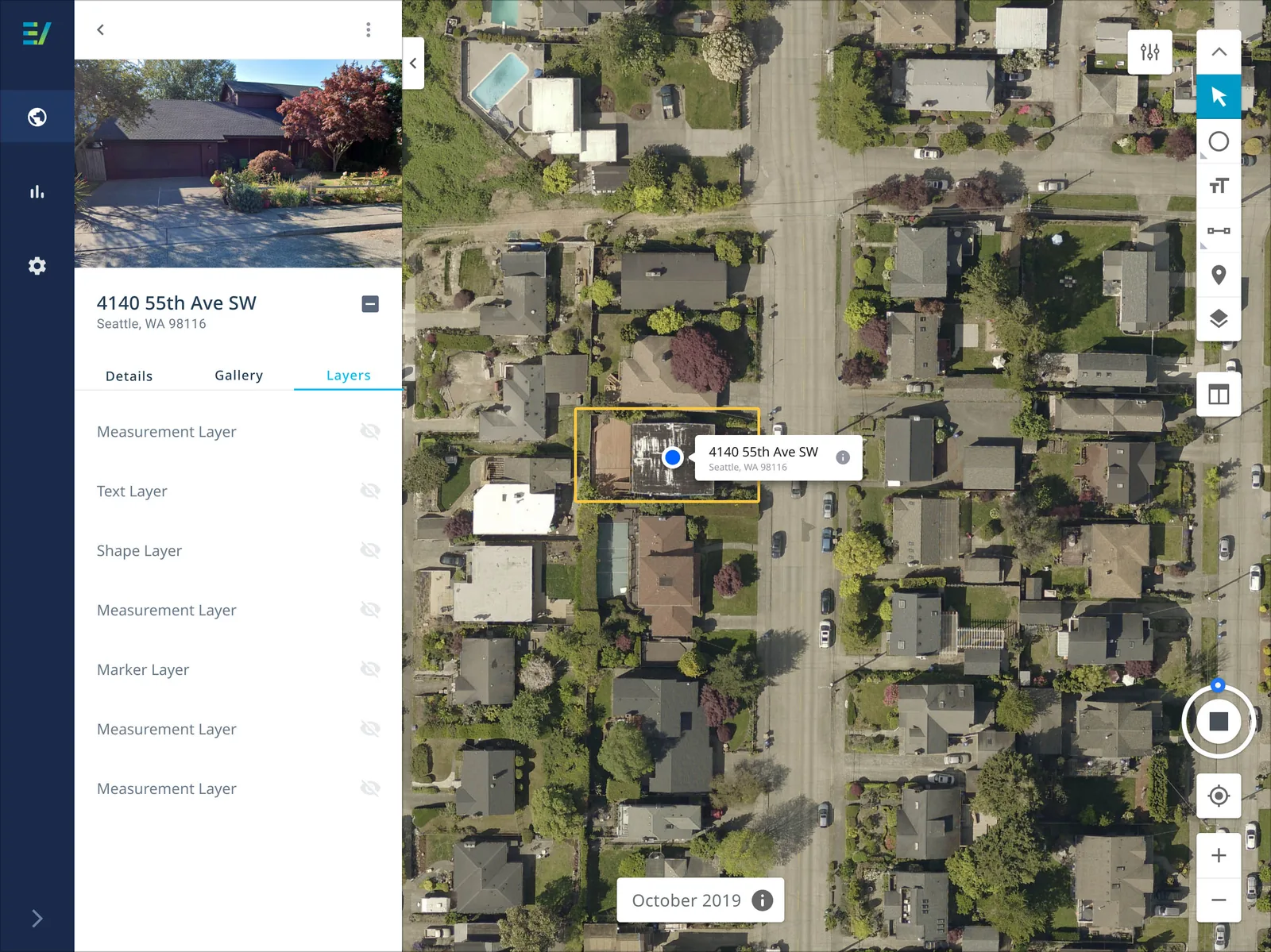
With imagery tools, users expressed that they wanted a basic set of tools to use within the visualizer so that can measure, draw, annotate, mark-up, locate, and apply various data layers when interacting with a parcel. Users can expand and collapse the vertical toolbar, as well as show and hide the contextual tool information panel. The information panel is also moveable when expanded.
Imagery Navigation
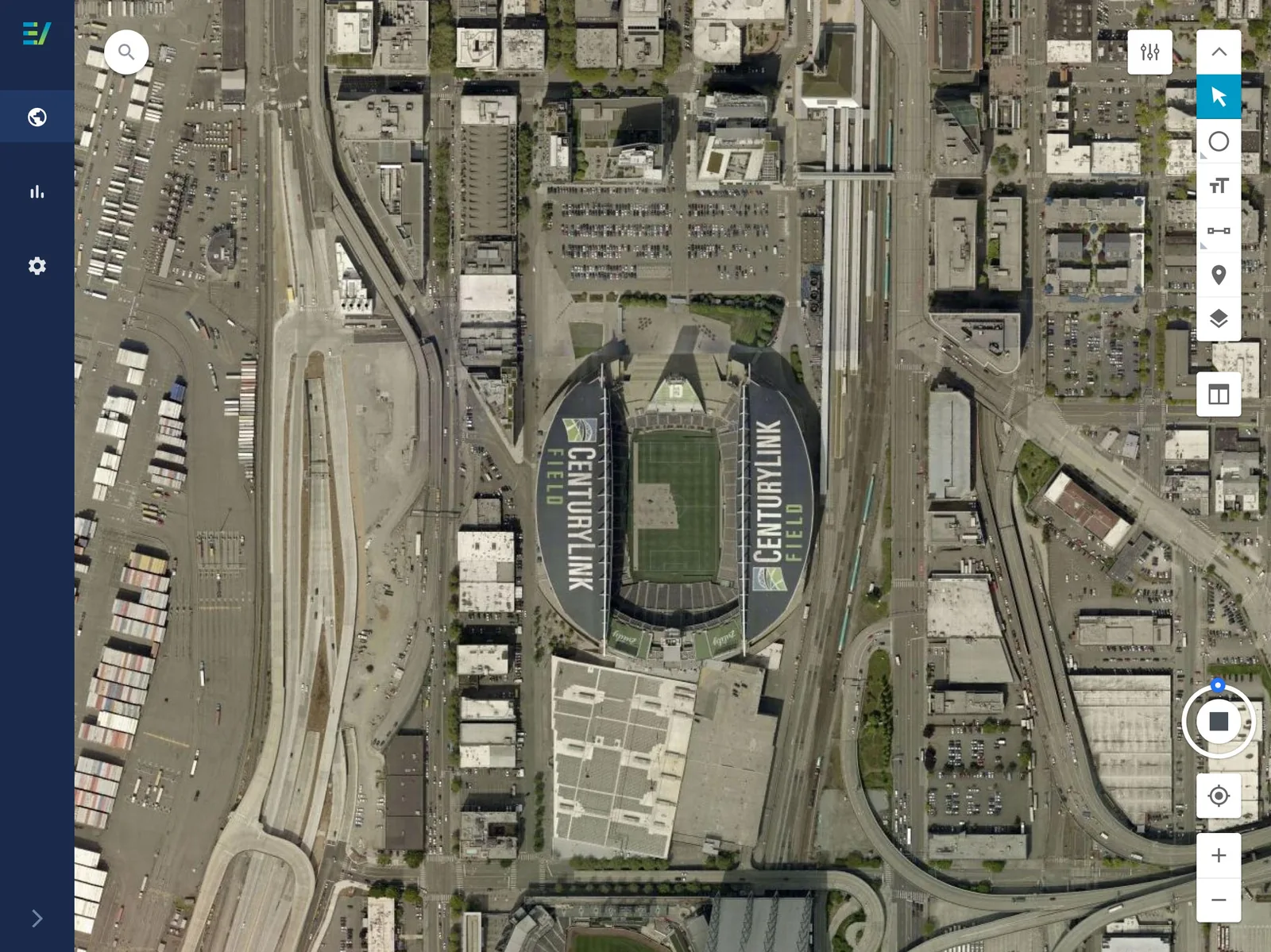
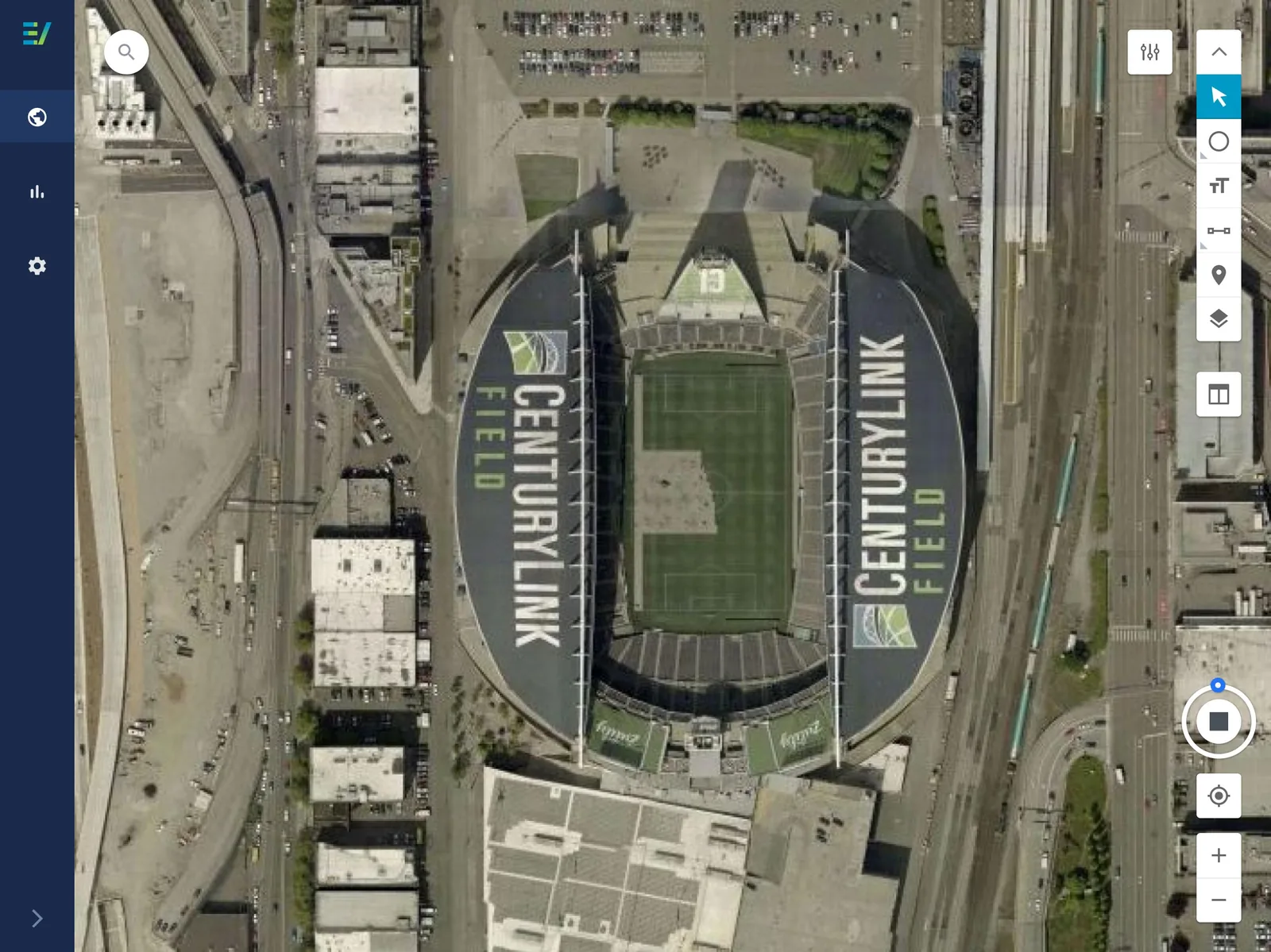
With imagery navigation, users expressed that they wanted a set of basic navigational components so that they can easily zoom-in, zoom-out, rotate, pan, access historical imagery, locate their current location, and paginate between orthogonal and oblique imagery orientation.
Side Panel - Future View
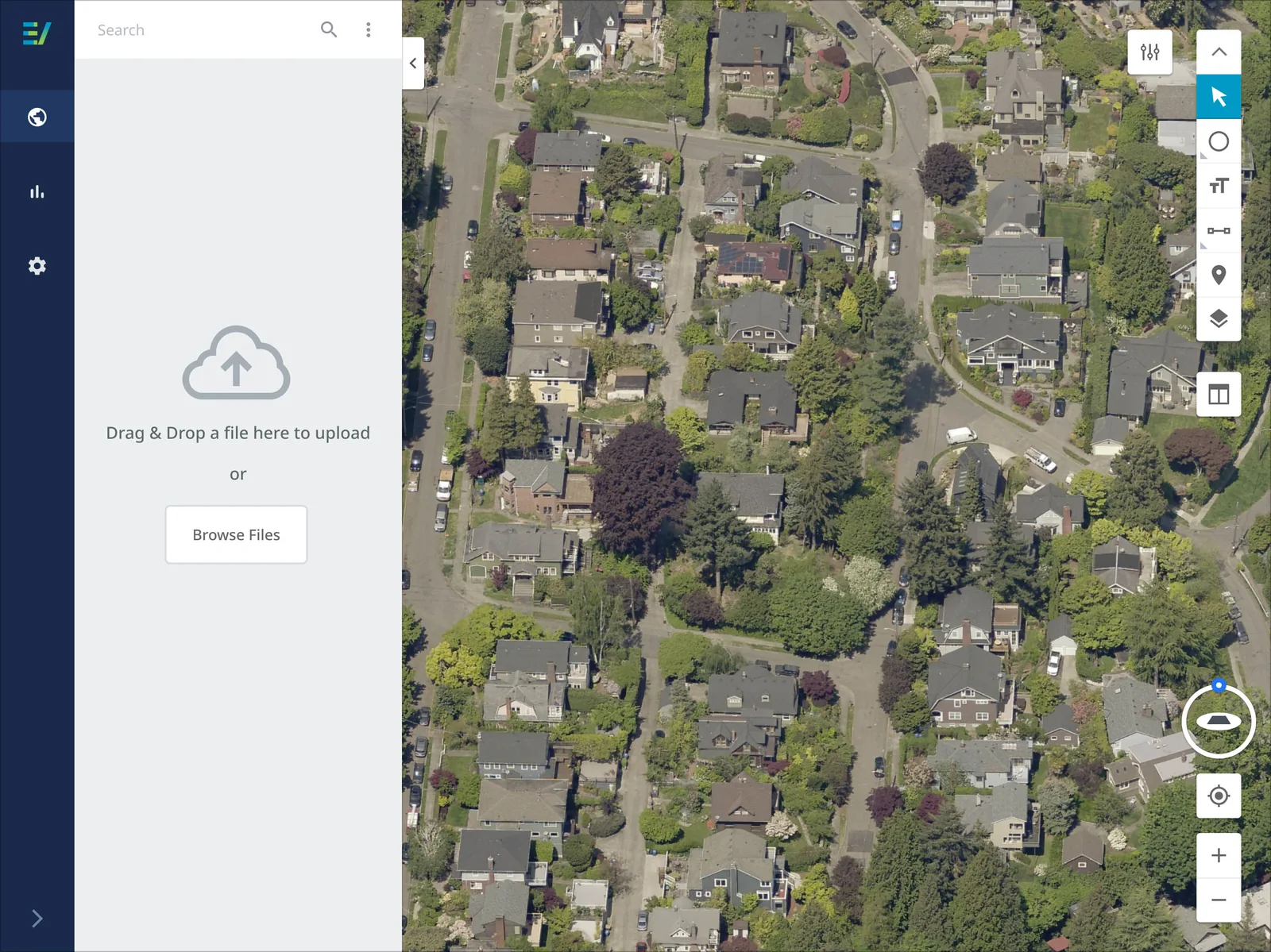
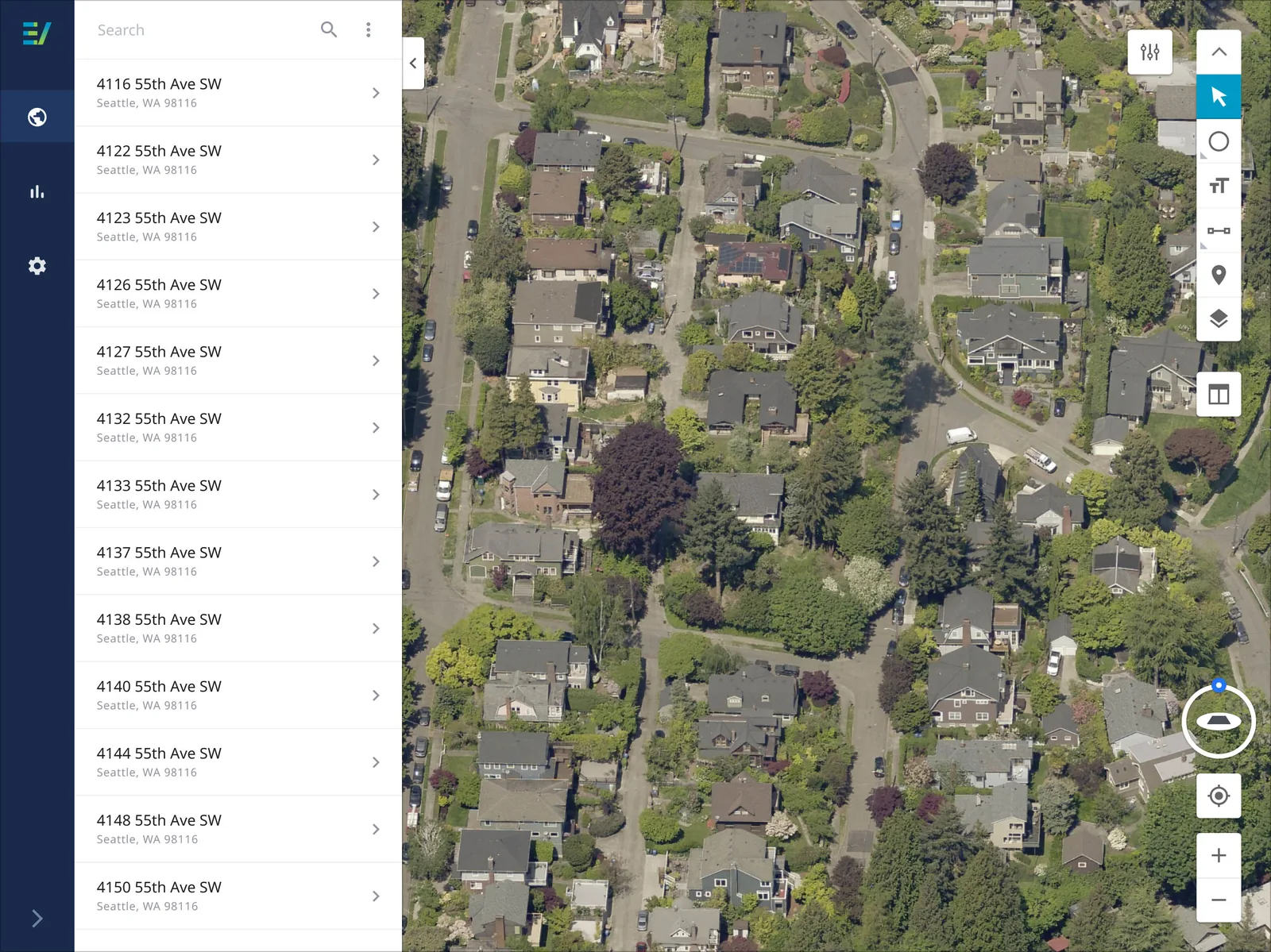
A value-opportunity called the "side panel" was discovered while conducting user interviews and brought over into ideation for further concept creation. Most, if not all customers, work from a spreadsheet containing a list of parcel addresses. Sharing similar workflows, customers often copy an address from a spreadsheet, then paste it into the search bar using right-click. By doing so, this forces people to break their current experience by going from one product (Microsoft Excel, Google Sheets, etc) then into another (Connect Explorer, Connect Assessment, etc).
After sharing some concept ideations with the team researcher, we learned that customers could see a productivity gain and fulfill a need through uploading a spreadsheet containing addresses into the system to populate a list of parcels. Having this feature would allow customers to click-or-arrow from one parcel to the next eliminating the need to copy and paste an address into the search bar.
Outcome
I collaborated with subject-matter-experts, product strategists, directors, researchers, and product managers across the company. I used Figma to create all wireframes and art-boards. Individual components used within the design were brought over to EagleView's new design system to be reused in other products. A majority of icons used were from the Material Design plugin, while company icons were custom created. All final designs were made clickable using Figma's prototyping feature, and shared with all stakeholders.